



Airport Extreme (5th Gen) and Time Capsule (4th Gen) Review - Faster WiFi
by Brian Klug on August 5, 2011 10:22 PM EST- Posted in
- Mac
- Airport Extreme
- Time Capsule
- WiFi
Apple has been playing it cool on the WiFi side of things lately. It started with the previous Airport Extreme (Gen 4) which quietly introduced three spatial stream support, followed up by the Early 2011 MacBook Pro update which brought a three spatial stream compliant WLAN stack, and now has continued with an even more understated update for the Time Capsule (4th generation) and Airport Extreme (5th generation).
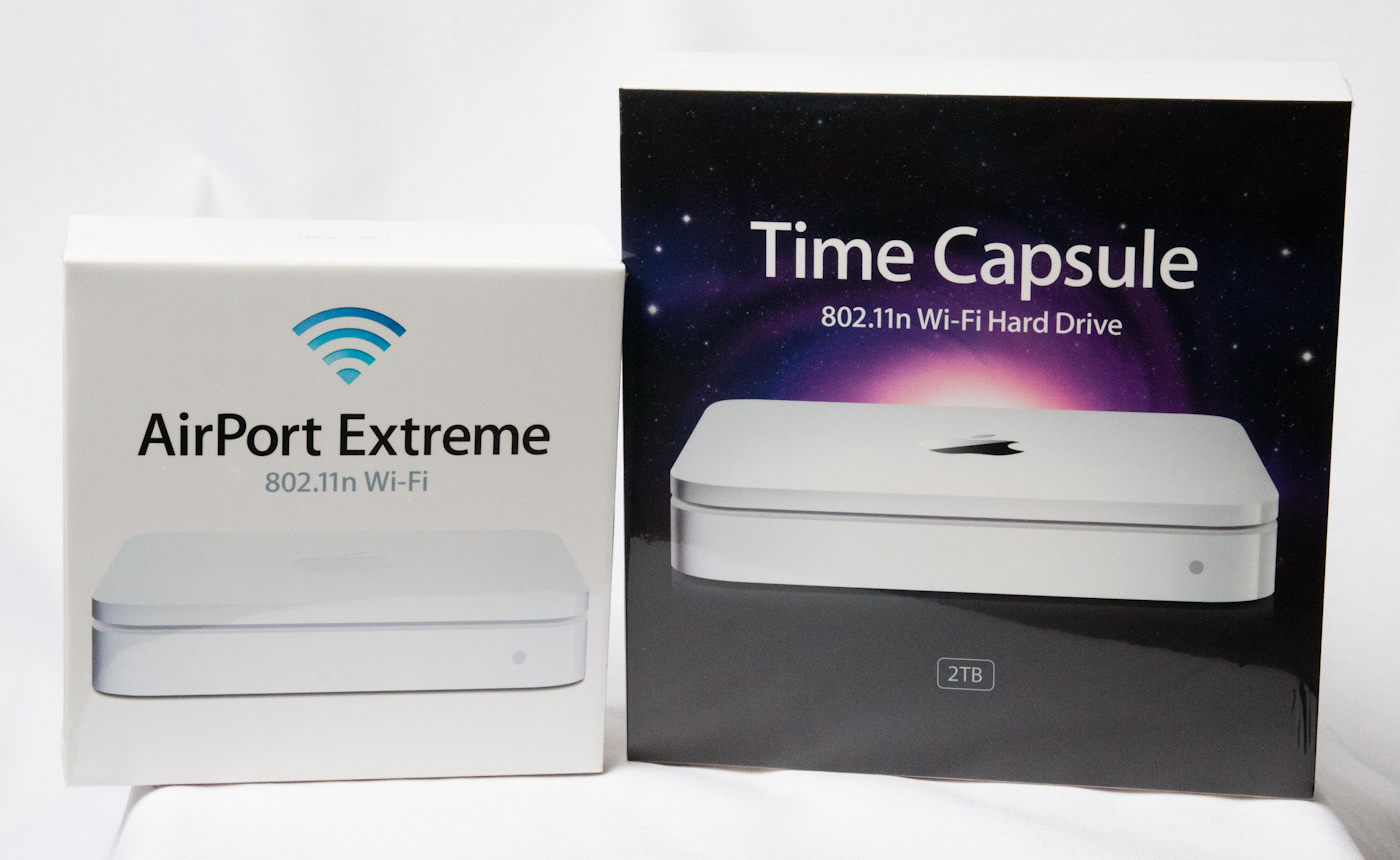
Both updates launched just prior to this latest round of Apple launches, which included the Mac Mini, Macbook Air, and Thunderbolt Display, but unlike those three, the Time Capsule and Airport Extreme updates saw almost no mention. Starting with the exterior packaging, you’d be hard pressed to tell that a particular Time Capsule or Airport Extreme is the newer refresh. I no longer have the old Airport Extreme packaging, but the new device box is virtually indistinguishable. Outside of bumping the supported storage capacity for the Time Capsule up to 3TB, there’s no real obvious giveaway for the Time Capsule either.
The only way to tell which version is which by looking at the box is by the model numbers—MD031LL/A for the 5th generation Airport Extreme, and MD032LL/A for the 2TB 4th generation Time Capsule.
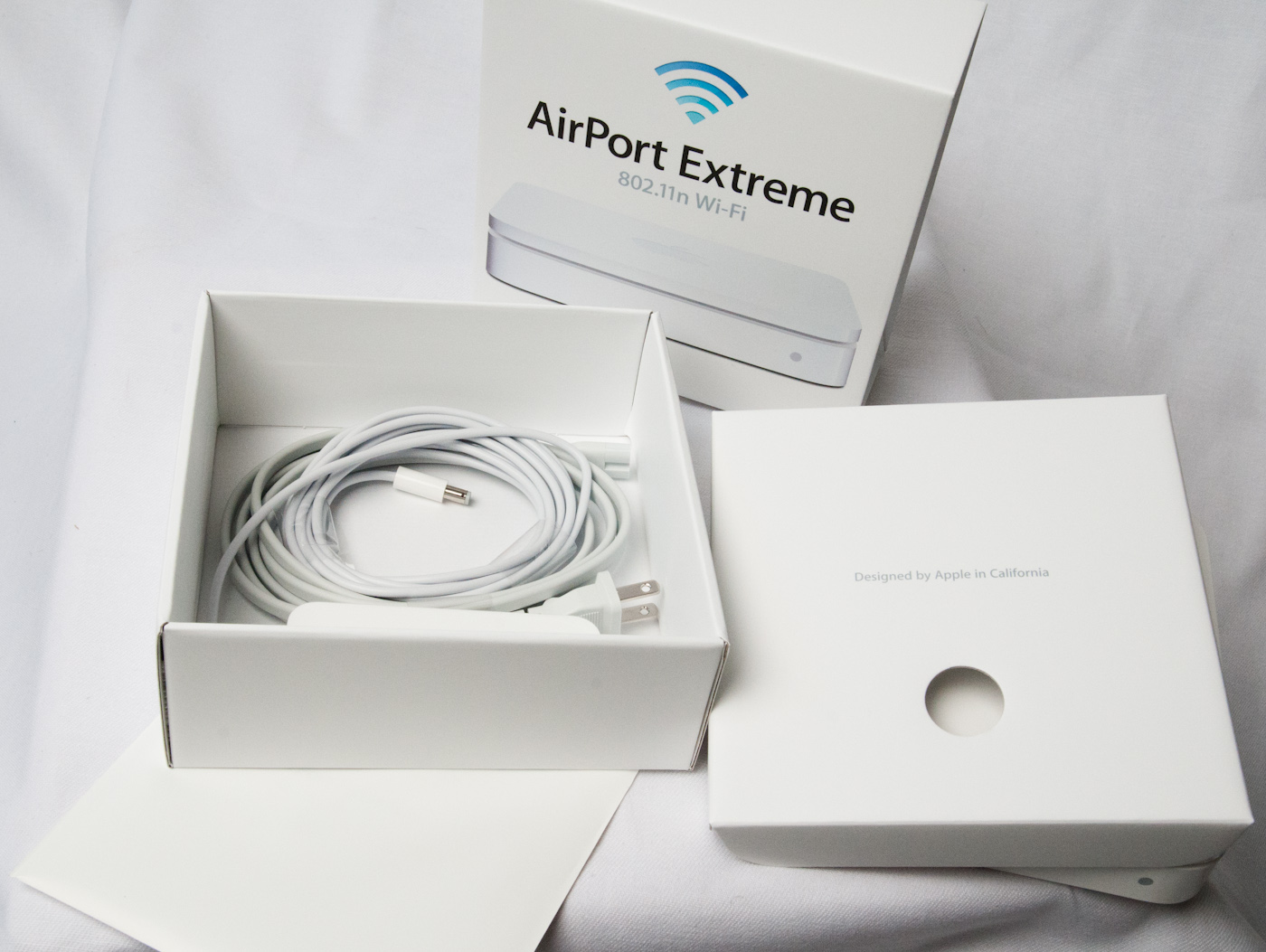
The contents of the Airport Extreme box remain the same as well, starting with the device itself on top, and underneath it, a power cable, 12 volt power supply (model A1202) and some literature about setup in a white plastic bag.
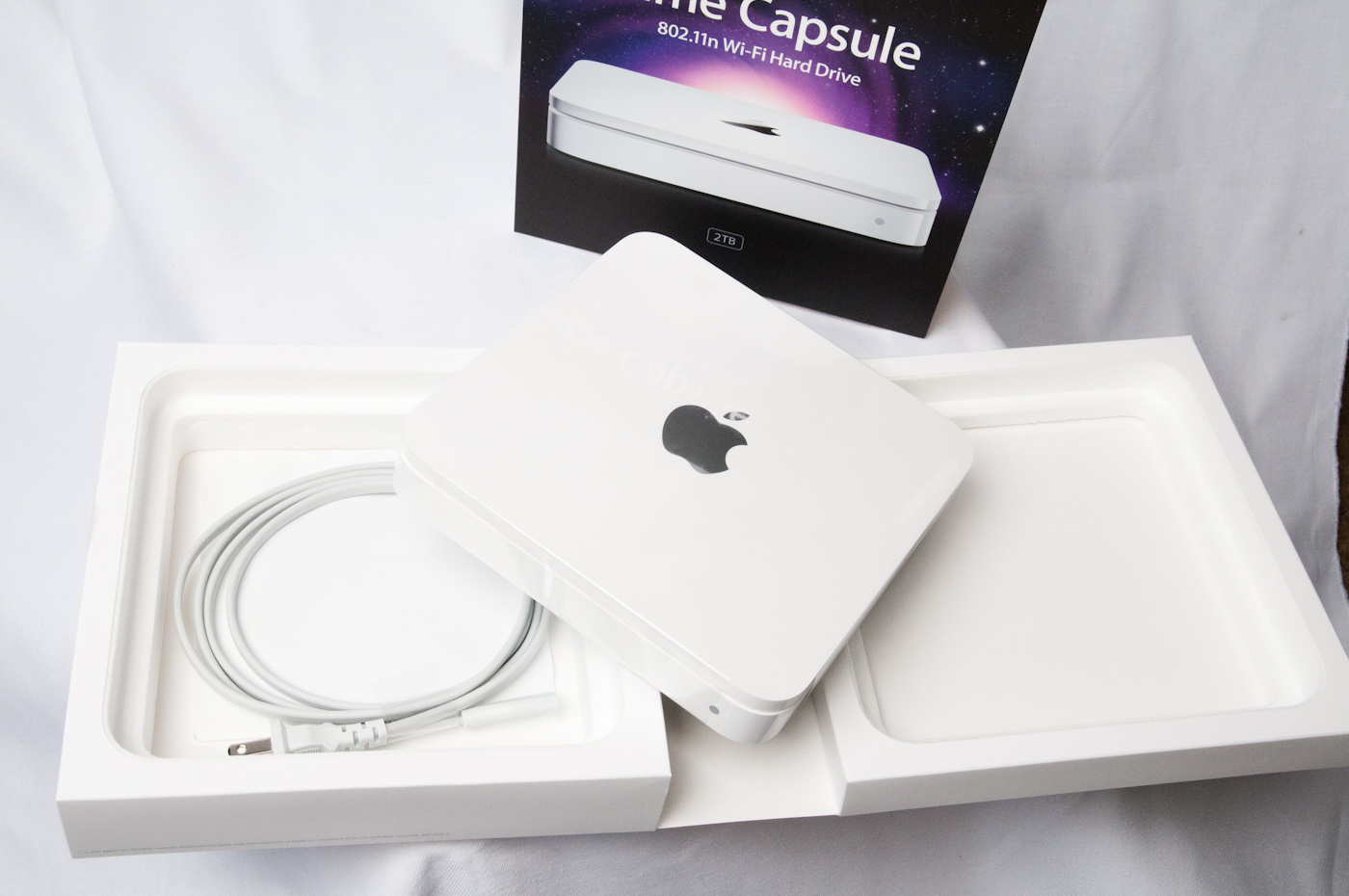
The Time Capsule box is much the same affair, with the device inside, a power cable, no power supply (since it’s internal), and some literature.
I stacked all three devices up so you can compare physically. Really the only big giveaway between the two Airport Extremes is an extra line of text on the previous generation, and of course the model number or FCC ID. Both the Time Capsule and Airport Extreme still retain the same port configuration—four GigE ports, one USB 2.0 port, power, reset, and a Kensington security slot. Those four gigabit ethernet ports can either be used as a switch, or you can use the device as a router and then the leftmost port becomes WAN and the right three become LAN.
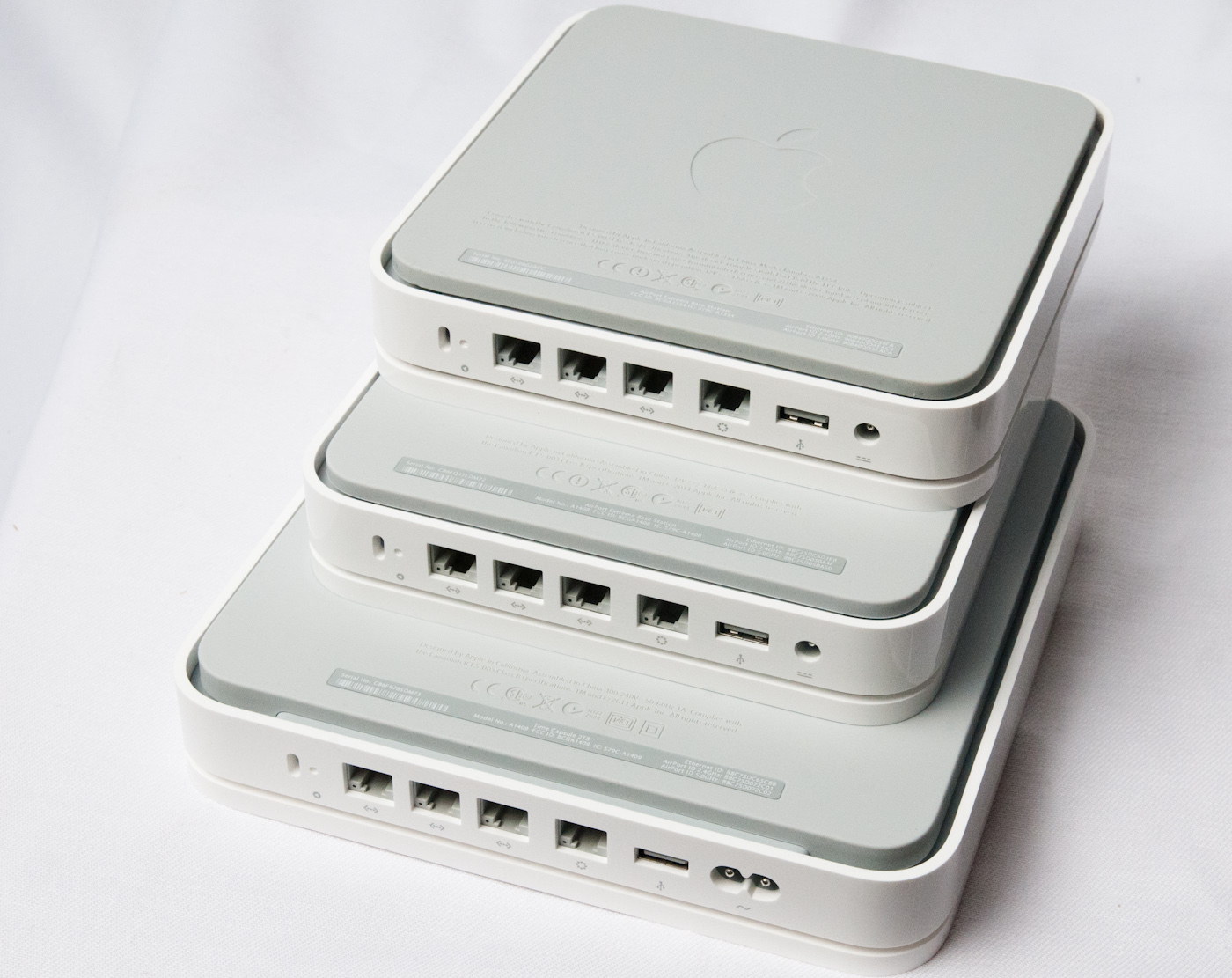
At this point it isn’t really looking like there’s much different, but exterior appearances can be deceptive.


 Facebook
 Twitter
 RSS
RSS


90 Comments
View All Comments
bigrobsf - Friday, August 5, 2011 - link
Minor typo in AFS discussion paragraph in the "WiFi Throughput and Range - Improved page:"Airport Extreme makes a hue difference"
I'm guessing you wanted to write "huge" :-)
Brian Klug - Saturday, August 6, 2011 - link
Good catch, thanks, should be fixed!-Brian
iwod - Saturday, August 6, 2011 - link
I just wish they put out a Raid 1 2.5" HDD Time Capsule so i know my data is going to fairly safe. HDD failure are happening more often these days and with their huge capacity i just cant afford to lose some of my content.repoman27 - Saturday, August 6, 2011 - link
Just use one of these: http://www.icydock.com/goods.php?id=121Combine with a brace of Western Digital WD10JPVT or Samsung Spinpoint M8 HN-M101MBB and you'll have 1 TB of RAID 1 goodness.
Penti - Sunday, August 7, 2011 - link
Raid 1 doesn't really protect from bit rot, just pure 1 drive failure. However they should take reliability and data corruption seriously, but it's not enterprise hardware so you can't really expect it.jackwong - Sunday, August 14, 2011 - link
I will never go with TC unless they have a better backup solution of the TC itself.I have a Synology 1 bay NAS with a external USB to backup all the contents on it.
cheinonen - Saturday, August 6, 2011 - link
Though I imagine most people won't be confused, labeling it as "Smaller values are better" when all the values are negative could cause people to read the data incorrectly. Perhaps "Closer to 0 is better" or something else?Brian Klug - Saturday, August 6, 2011 - link
Totally agreed, edited those tables to make it more easy to follow.-Brian
jigglywiggly - Saturday, August 6, 2011 - link
time capsule wins an award for stealing your money.500$ for a wireless 3tb hd? Don't be sodding st00pid.
repoman27 - Saturday, August 6, 2011 - link
$300 for a $150 simultaneous dual-band, three-stream router with gigabit switch, on board SATA controller and an $80 HD, all in one compact little unit along with the PSU? Not a bad deal, really.Paying $200 (2/3) more for a $70 HD upgrade that only provides 50% more storage space? Questionable, but Apple knows that most people won't bother to upgrade themselves because they'd be out of pocket an additional $150 for the drive and then have to open a brand new device to make the swap.