



Appearance and Design
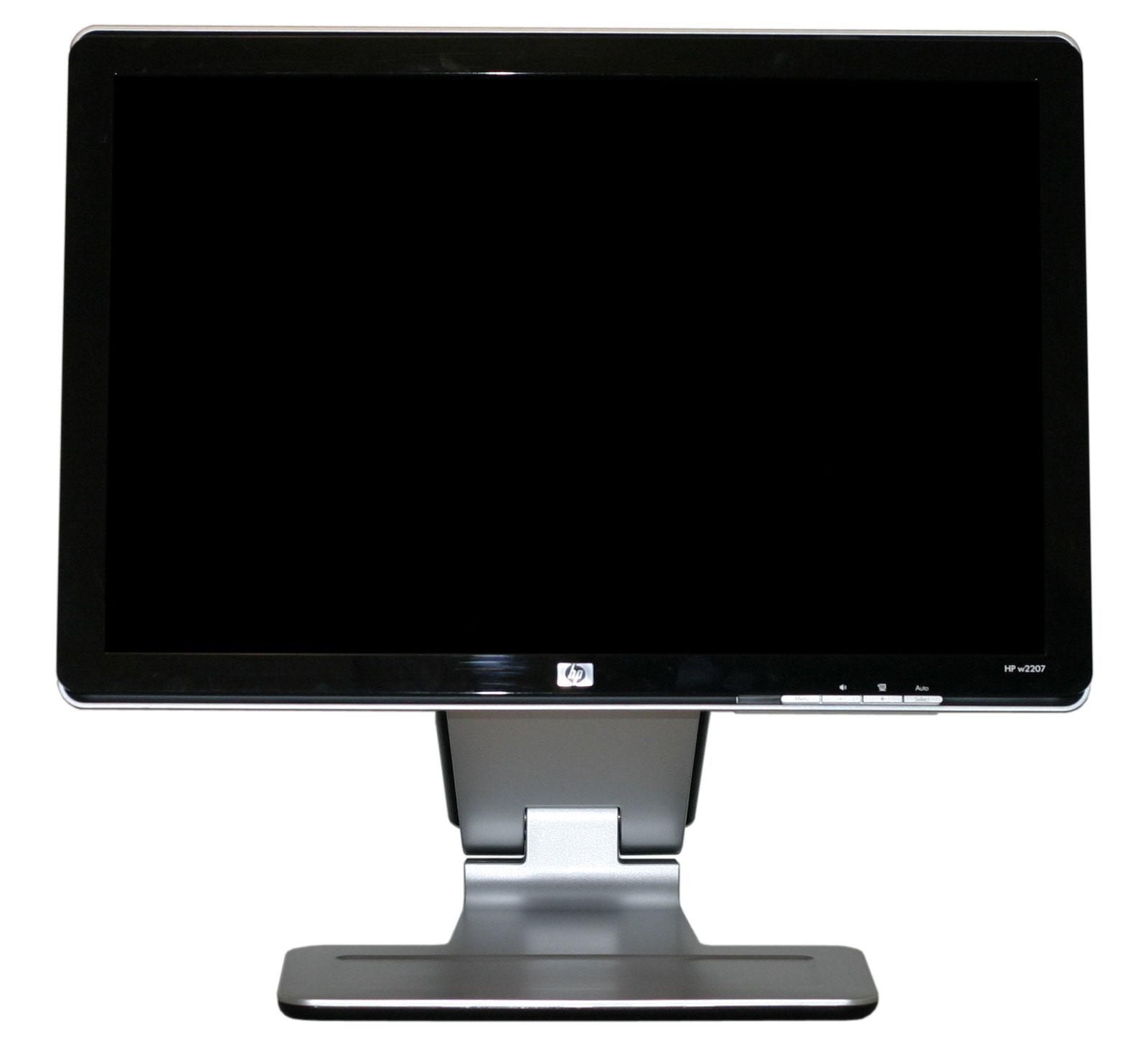
The design and styling of the w2207 is clearly intended to make it stand out from the crowd. Whether or not that's a good thing depends on your own personal preference. For better or for worse, the w2207 comes with a glossy mirror-like finish that can serve as a magnet for fingerprints and dust. If you have grubby fingers - or others in your house that do - you may find yourself spending an inordinate amount of time wiping down the exterior of this display.
The front of the LCD is a combination of glossy black for the border around the panel, while the stand is silver with a rough texture. At the bottom right of the LCD, we get the usual buttons for accessing the on-screen display (OSD). The left button brings up the OSD, at which point all four buttons can be used to navigate the menus. Prior to entering the menu, the right button can be used to execute the auto adjustment function (for use with analog connections), the second button brings up volume control, and the third button cycles between five display modes (movie, photos, games, text, and user defined). The power button, incidentally, is located on the top of the chassis and glows a faint orange/blue depending on whether the display is powered on or in standby mode.
As mentioned already, you can pivot the display into portrait mode, which some people find useful for reading long web pages or documents. You will need to raise the LCD before pivoting as well as tilting the panel back a bit, and afterwards there were only be an inch or two of vertical travel available.
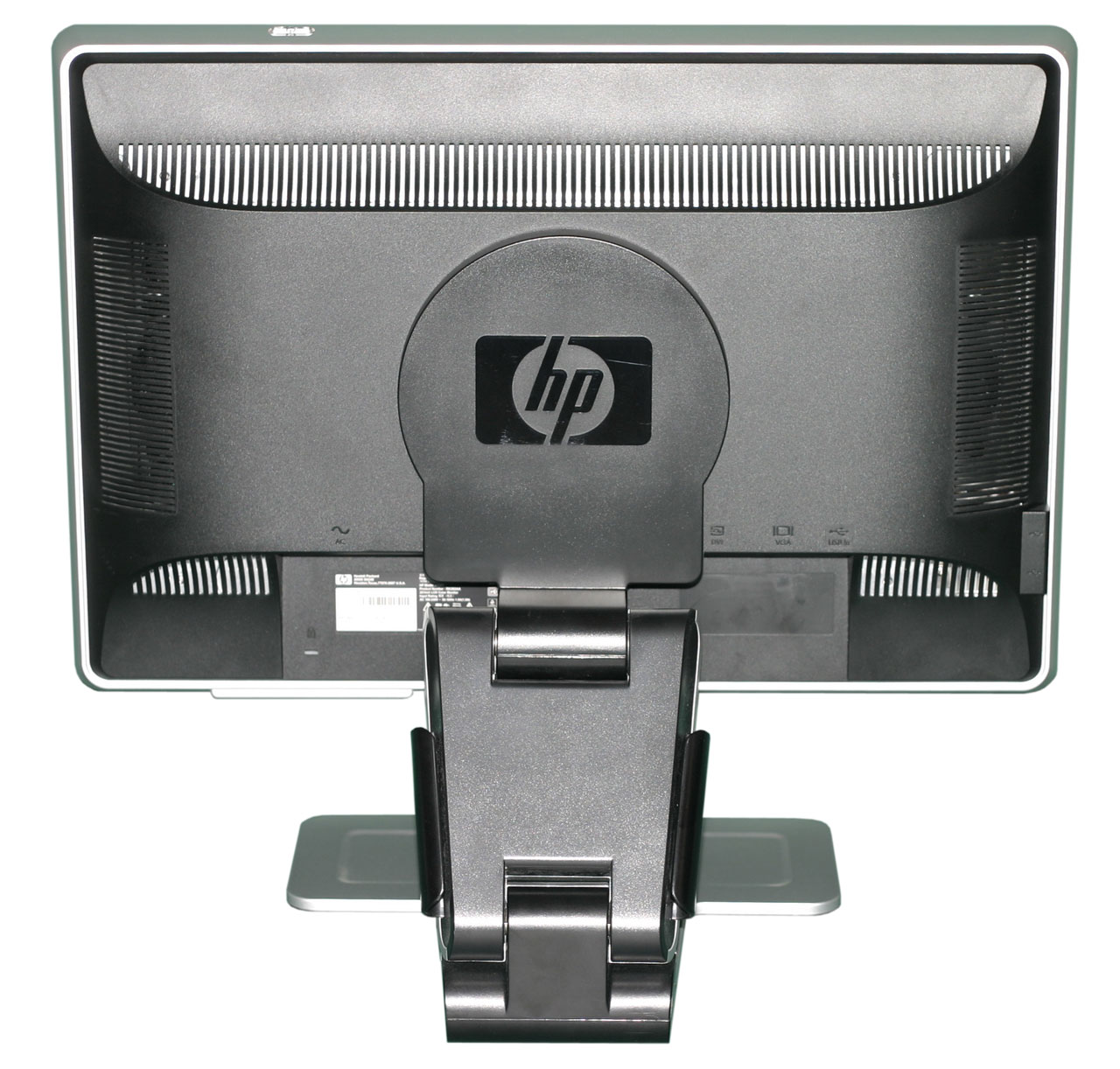
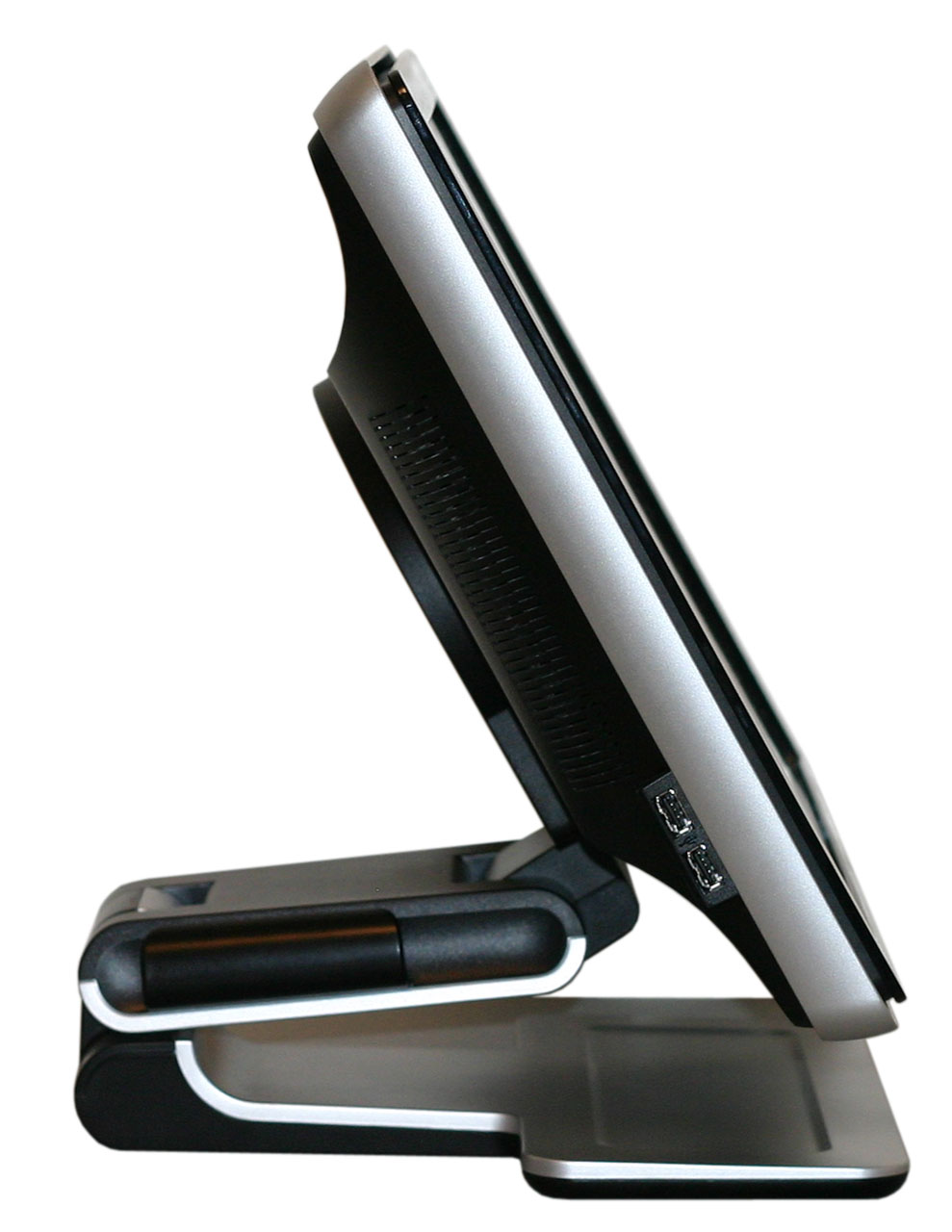
The back of the display is primarily composed of black plastic, again with a rough texture. Ventilation slots can be seen around the border, and you can also get a better view of the base stand. The main panel sits on a cantilevered arm that ends up making the display quite a bit deeper than it would otherwise need to be. The main panel can also be laid flat against the base stand, which is how the unit is shipped, though it doesn't seem practical to try using the LCD in that position.
The expected input ports are all present on the rear of the display, facing downwards. DVI and VGA inputs are available, a USB input is located at the far right, and in the center is an audio jack. Nearly all of the necessary cables are included, although it wasn't clear whether a DVI cable comes with the LCD or not. Our unit arrived without a DVI cable, and considering that's our preferred connection for LCDs we would certainly like to see a DVI cable rather than a VGA cable included - and ideally both of them. The included speakers, incidentally, are all but useless. Even in a quiet room, it is difficult to hear audio through them, and the quality of audio they can provide is lacking at best.
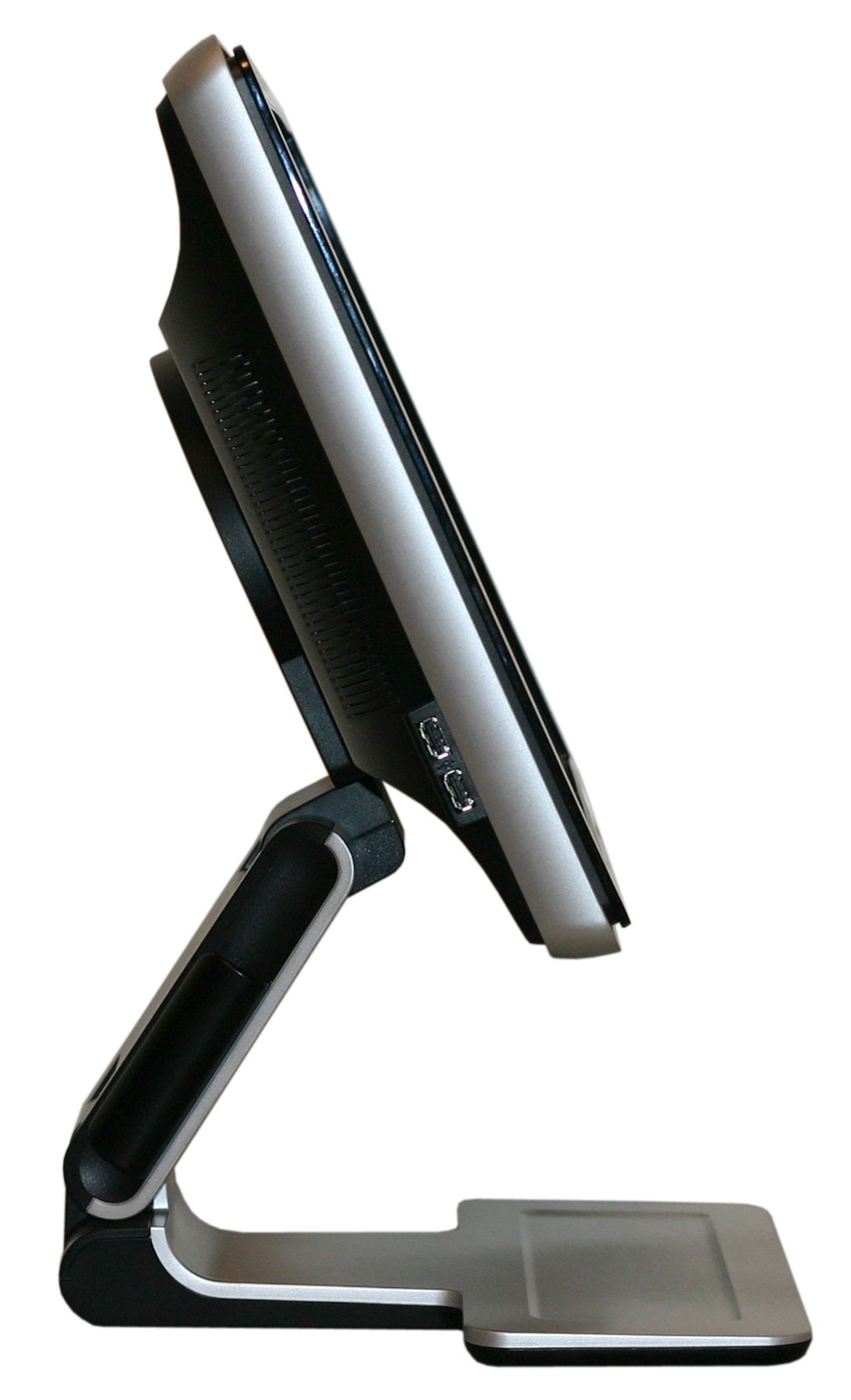
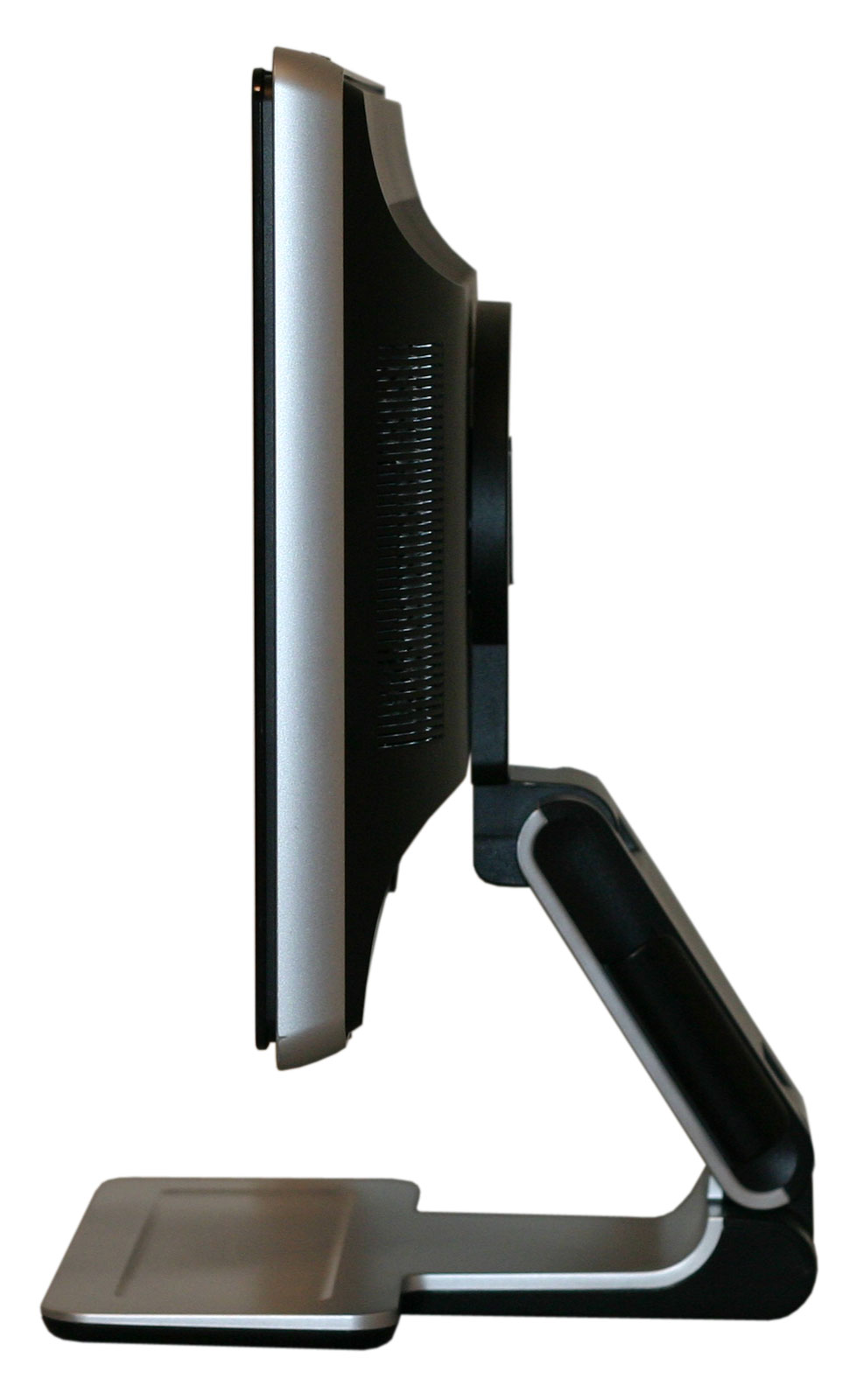
Looking at the profile of the LCD, we see the range of motion that the base stand offers. Two USB ports are located on the left side, while the right side is empty. You can also see how the base stand extends several inches behind the back of the display.
One of the features that HP advertises with the w2207 is their Easy Clip accessory kit that can be used to hold papers, pens, or other useful bits of information. We did not get the accessory kit with our review unit, but they did send us a webcam that attaches to the top of the display. The webcam we received is not the same model that we see shown on the online ordering pages, so we're not sure how much it actually costs. We can say that it functioned pretty much as you would expect from a webcam, and if you're the type of person that likes to use such a device the ability to easily connect it to the top of your display might make the addition worthwhile. If you don't plan on using the webcam, of course, save your pennies!
The design and styling of the w2207 is clearly intended to make it stand out from the crowd. Whether or not that's a good thing depends on your own personal preference. For better or for worse, the w2207 comes with a glossy mirror-like finish that can serve as a magnet for fingerprints and dust. If you have grubby fingers - or others in your house that do - you may find yourself spending an inordinate amount of time wiping down the exterior of this display.
 |
 |
The front of the LCD is a combination of glossy black for the border around the panel, while the stand is silver with a rough texture. At the bottom right of the LCD, we get the usual buttons for accessing the on-screen display (OSD). The left button brings up the OSD, at which point all four buttons can be used to navigate the menus. Prior to entering the menu, the right button can be used to execute the auto adjustment function (for use with analog connections), the second button brings up volume control, and the third button cycles between five display modes (movie, photos, games, text, and user defined). The power button, incidentally, is located on the top of the chassis and glows a faint orange/blue depending on whether the display is powered on or in standby mode.
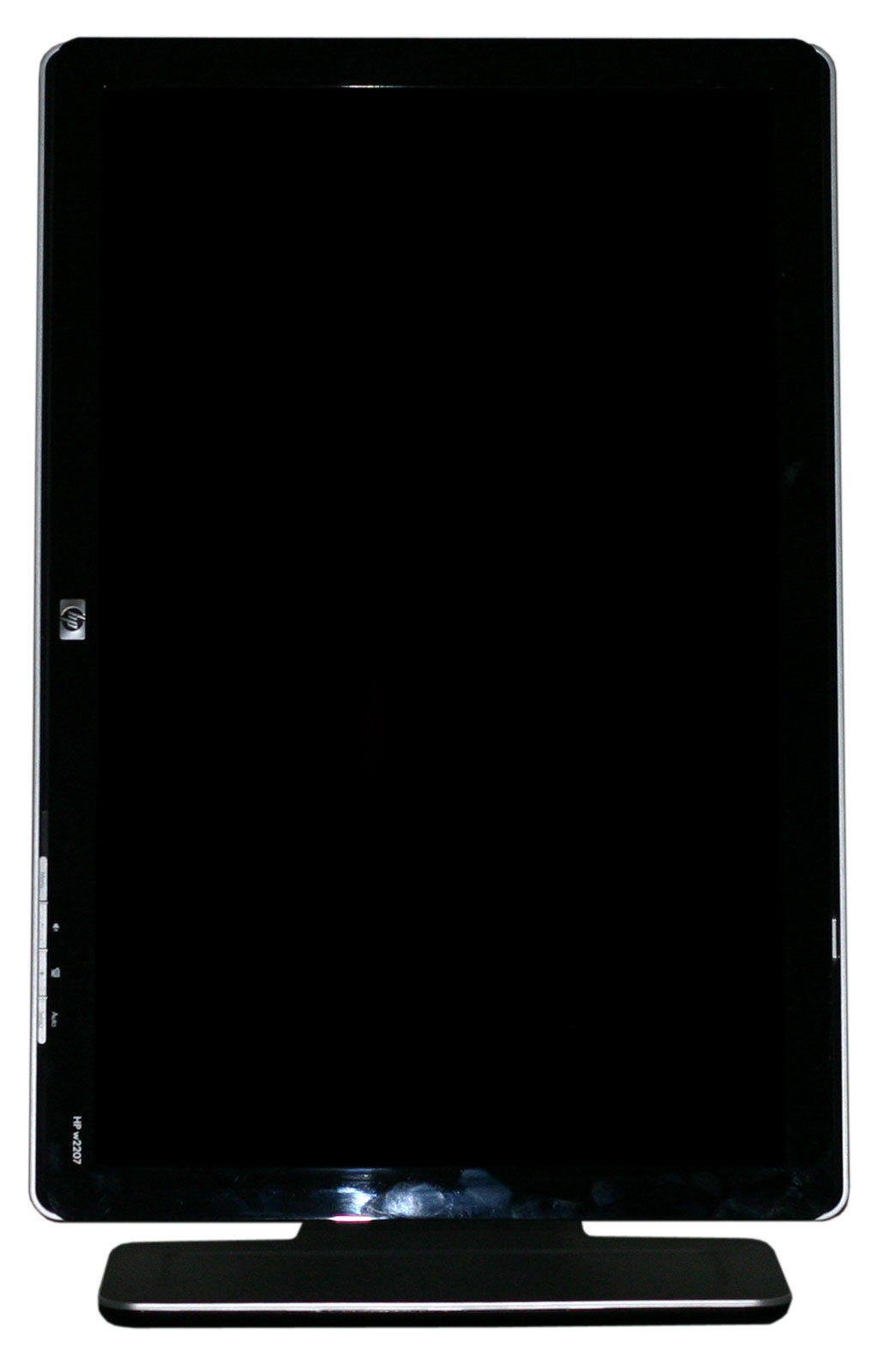 |
As mentioned already, you can pivot the display into portrait mode, which some people find useful for reading long web pages or documents. You will need to raise the LCD before pivoting as well as tilting the panel back a bit, and afterwards there were only be an inch or two of vertical travel available.
 |
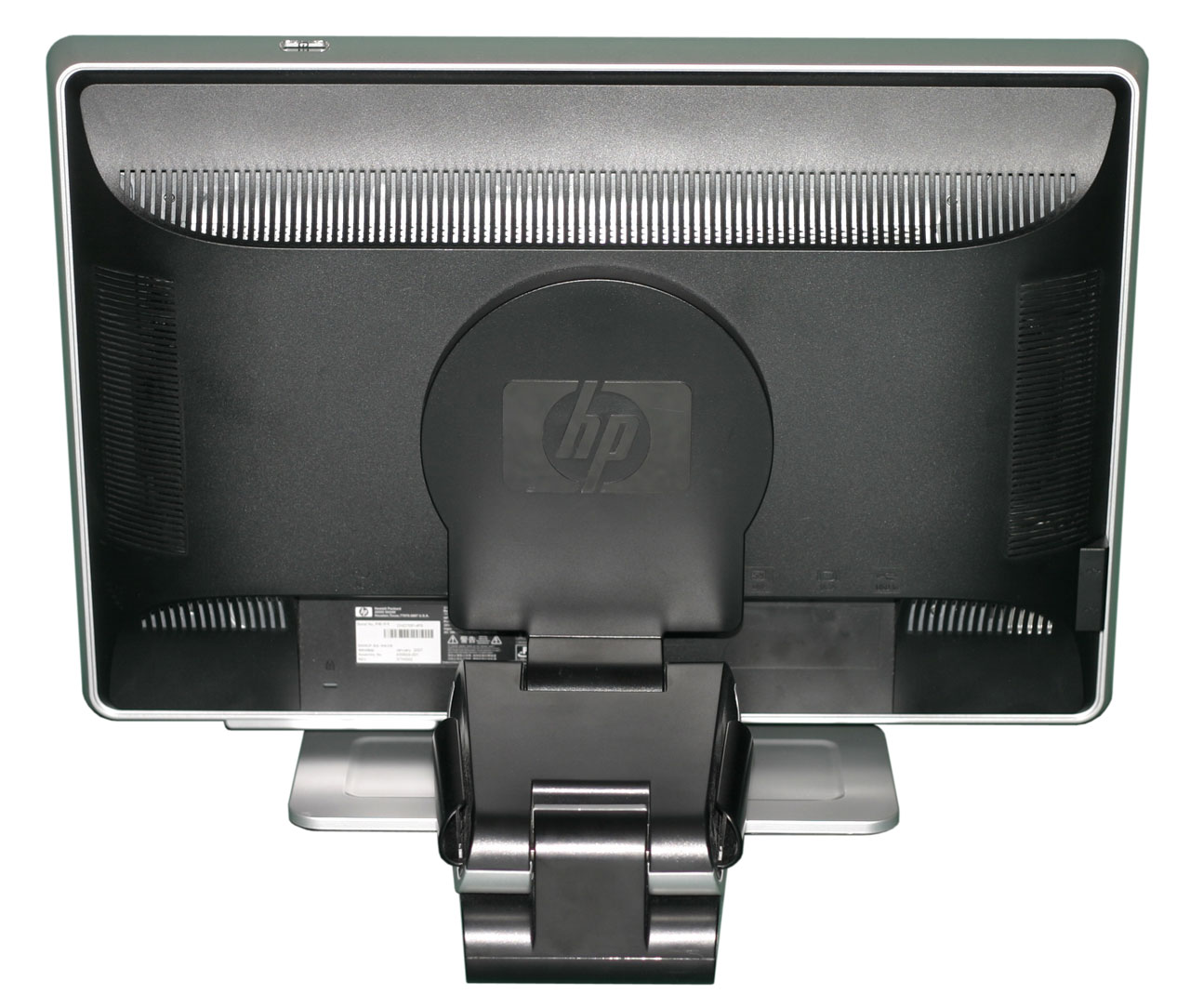 |
The back of the display is primarily composed of black plastic, again with a rough texture. Ventilation slots can be seen around the border, and you can also get a better view of the base stand. The main panel sits on a cantilevered arm that ends up making the display quite a bit deeper than it would otherwise need to be. The main panel can also be laid flat against the base stand, which is how the unit is shipped, though it doesn't seem practical to try using the LCD in that position.
 |
The expected input ports are all present on the rear of the display, facing downwards. DVI and VGA inputs are available, a USB input is located at the far right, and in the center is an audio jack. Nearly all of the necessary cables are included, although it wasn't clear whether a DVI cable comes with the LCD or not. Our unit arrived without a DVI cable, and considering that's our preferred connection for LCDs we would certainly like to see a DVI cable rather than a VGA cable included - and ideally both of them. The included speakers, incidentally, are all but useless. Even in a quiet room, it is difficult to hear audio through them, and the quality of audio they can provide is lacking at best.
 |
 |
 |
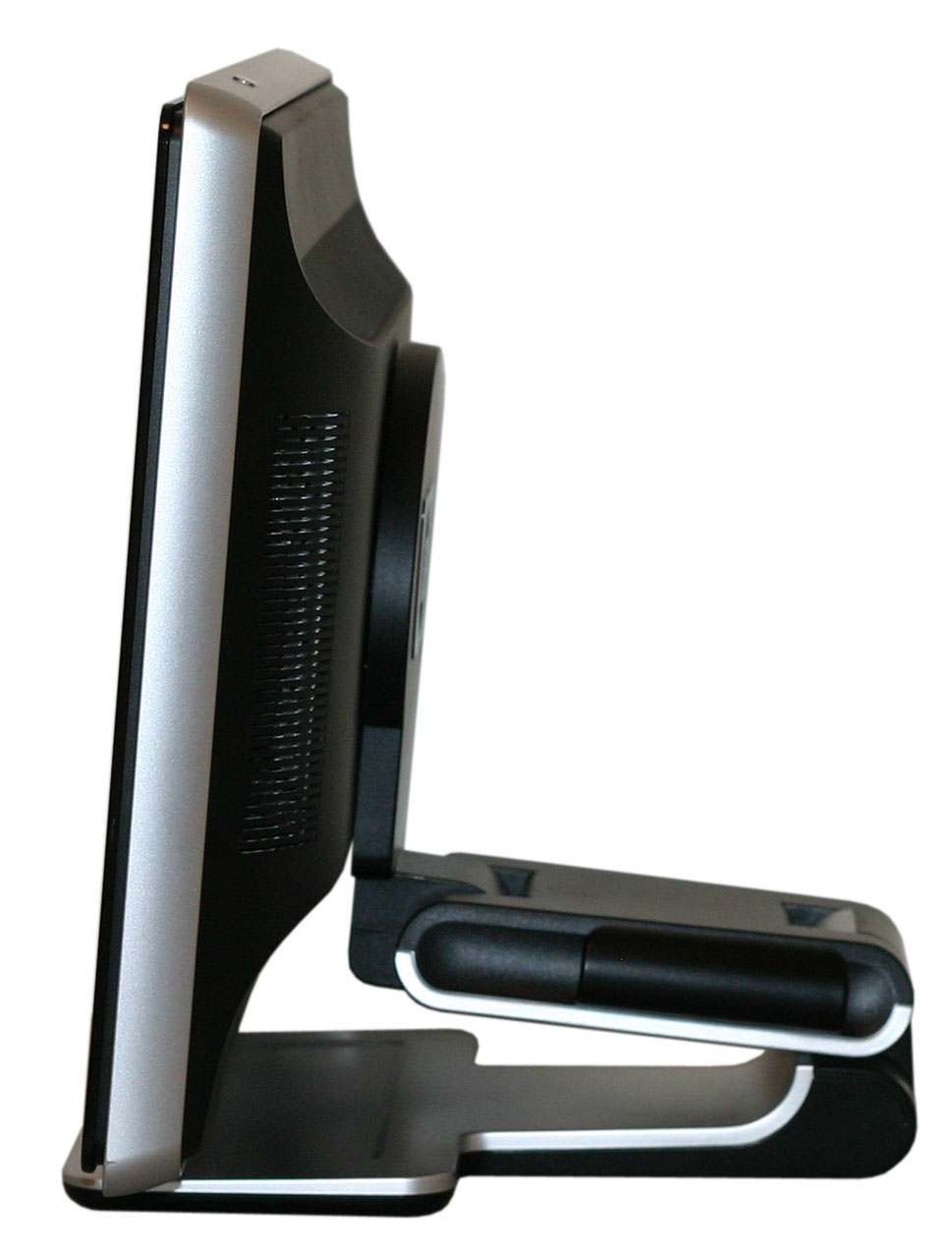 |
Looking at the profile of the LCD, we see the range of motion that the base stand offers. Two USB ports are located on the left side, while the right side is empty. You can also see how the base stand extends several inches behind the back of the display.
 |
One of the features that HP advertises with the w2207 is their Easy Clip accessory kit that can be used to hold papers, pens, or other useful bits of information. We did not get the accessory kit with our review unit, but they did send us a webcam that attaches to the top of the display. The webcam we received is not the same model that we see shown on the online ordering pages, so we're not sure how much it actually costs. We can say that it functioned pretty much as you would expect from a webcam, and if you're the type of person that likes to use such a device the ability to easily connect it to the top of your display might make the addition worthwhile. If you don't plan on using the webcam, of course, save your pennies!


 Facebook
 Twitter
 RSS
RSS


43 Comments
View All Comments
Dantzig - Thursday, August 2, 2007 - link
I recently picked one of these up for $360 - 10% off coupon + tax at Circuit City. The final price was about $340 which I feel is very competitive when compared to the Samsung 226BW/CW. I could have purchased a 226BW for slightly less and had to wait for it to be shipped and played the panel lottery or spent more for the 226CW which doesn't have a high gloss screen and has an annoying silver bar on the bottom of the display frame.It's just simply a beautiful monitor. I switched my home monitor from a Dell 2005FPW with an S-IPS panel to the HP and took the Dell to work. While I know that the HP uses a 6-bit panel, the colors look better to me than those of the 2005FPW. The different in response time is definitely noticeable while gaming and moving mouse pointers quickly around the screen.
If you're in the market for a 22" widescreen display with a TN panel, this is the one to get.
zemane - Wednesday, August 1, 2007 - link
Isn't 4:3 the standard aspect ratio?
JarredWalton - Thursday, August 2, 2007 - link
Yes, for everything but your typical 1280x1024 (5:4) 19" LCDs. There are some 4:3 19" displays (1400x1050 resolution), but most are 5:4.Bonesdad - Wednesday, August 1, 2007 - link
Consider the Acer AL2051W if you want to do a MVA panel review. I just bought one for $190 on Newegg and am very pleased so far. Fantastic viewing angle, stated at 176 degrees and from the looks of it, its not far off. A bit of backlight bleeding, but not out of the ordinary. This is an excellent panel for the price.Pirks - Wednesday, August 1, 2007 - link
there are two nice 28" monitors at newegg, see models aboveboth are about $650 which is dirt cheap for 28"
could you guys do a review of one of those, or even both?
I'm sure EVERYBODY would be interested!
these two seem like a huge hit, they just BLOW dell's 27" panels
JarredWalton - Wednesday, August 1, 2007 - link
I asked for one from ViewSonic at one point. I don't recall why we didn't get one - we've been working on getting a ViewSonic contact. As far as quality, a few people are saying that they use a TN panel, so they certainly wouldn't be as good as stuff like the 27" Dell (which uses PVA). That would probably account for the lower price as well -- at least somewhat.CSMR - Wednesday, August 1, 2007 - link
Great to have the detailed light/dark/contrast measurements at different brightness settings. Good work.augiem - Wednesday, August 1, 2007 - link
Thank you so much for including viewing angle pictures! I can't tell you how important this aspect of a monitor is to me. Doing graphics work, TN panels are simply unusable because of the vertical viewing angle issues. This is the first site I've seen do photographic comparisons and it's AWESOME! :)zero2dash - Wednesday, August 1, 2007 - link
We bought this w2207 a few weeks ago to replace 2 aging 21" Trinitron CRTs...one that has a "too bright" problem (despite brightness being 0) and another in which the red gun is going out (causing the monitor to have 'red seizures').This monitor is great.
Originally I was going to get a 226BW but I didn't want to bother with getting one panel over another (ie trying to find an S panel but getting a C instead). The glossy coating on the w2207 makes it even better, even though (as mentioned) it's a PITA to keep it clean and clean it when it's dirty/dusty. Seems like it takes 5 minutes to completely clean the screen with a damp cloth and have it come out clean but without any dust at the same time.
That being said...I highly recommend this monitor. When we bought ours, it was on sale for $339 at Sears; a week later, it was down to $249 (and I called and got the $90 credit). Wish I would've had the money then to buy a 2nd for that price. =)
JarredWalton - Wednesday, August 1, 2007 - link
If you could find this on sale for $250, it would definitely be a no-brainer. At current prices, you'll have to think about it a bit more. It may very well be the best 22" monitor on the market, but I would take a 24" Gateway over it (even with the higher cost).