



A New 30" Contender: HP ZR30w Review
by Brian Klug on June 1, 2010 6:30 PM ESTRight out of the box, HP’s newest 30” display is huge - but you expected that and prepared by already clearing off your desk, right? ;)
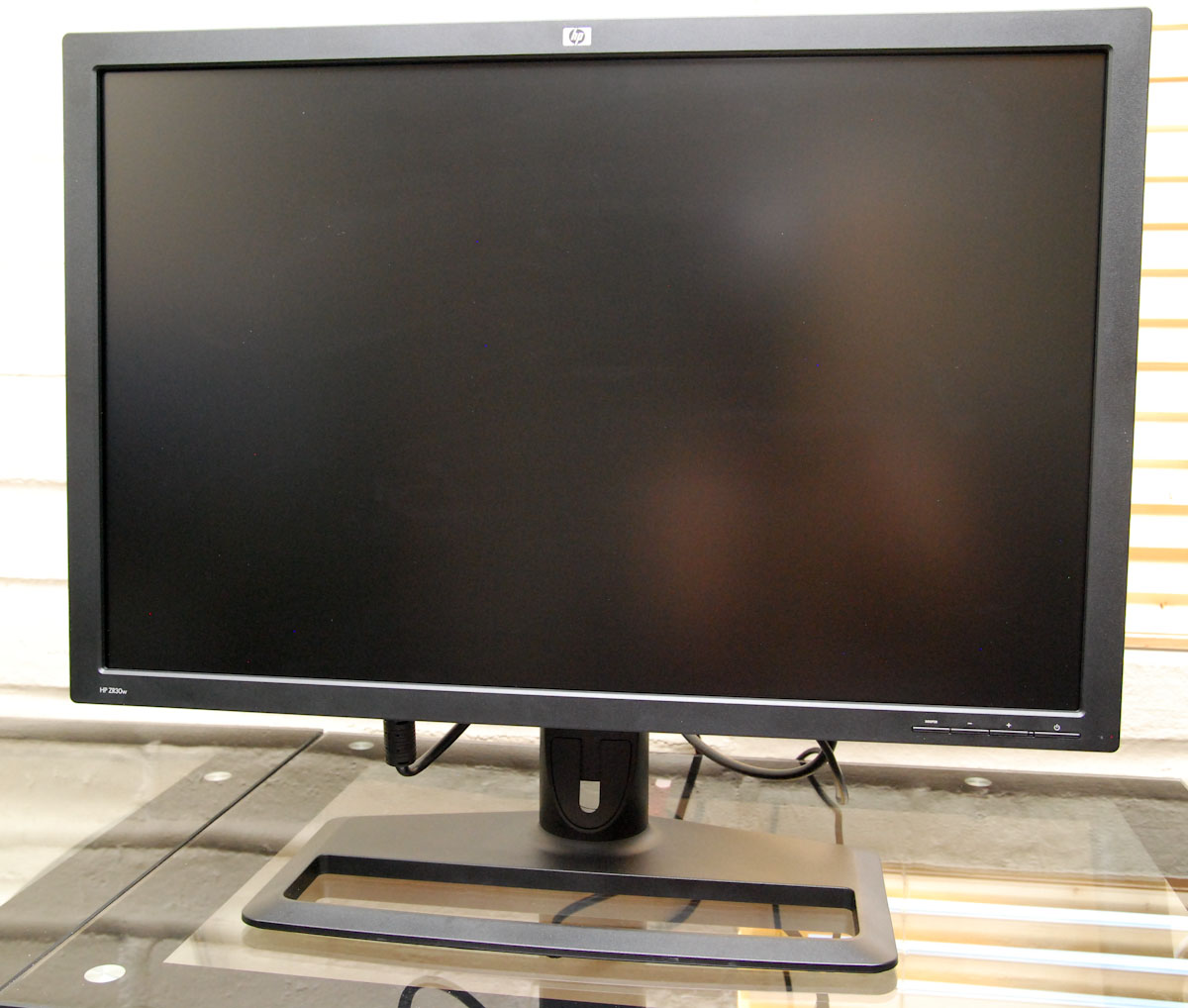
Getting the beast of a monitor out of the packaging was actually exceedingly easy; remove one piece of styrofoam, and out comes the stand. One more large piece and the panel is right there for your picking.
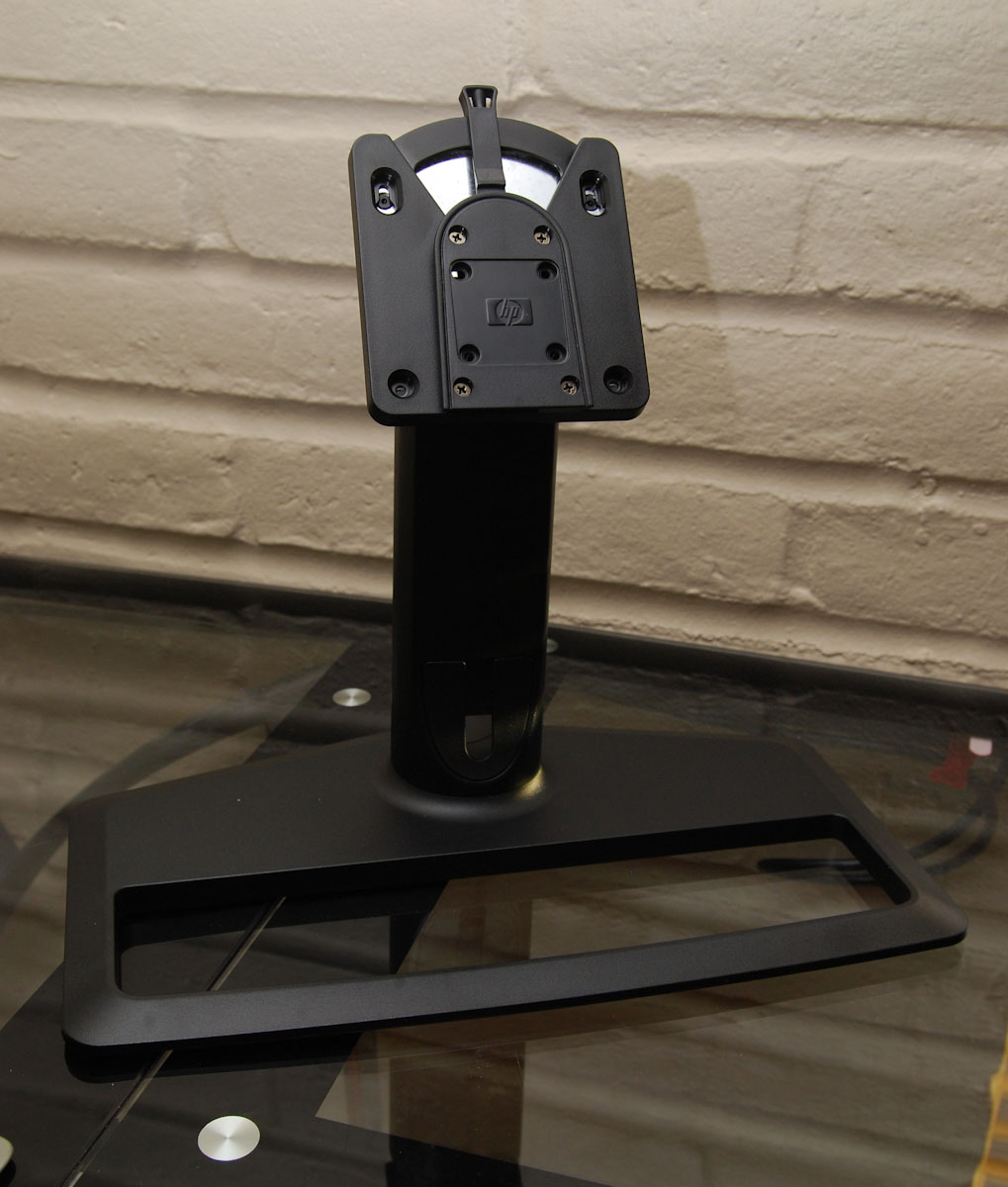
The ZR30w display stand packs virtually all the bells and whistles a 30” stand should. There’s 4” of vertical travel, and movement in every axis except pivot (meaning you can’t rotate and use the monitor in portrait mode unless you roll your own VESA stand). HP’s quick release lock system is actually surprisingly useful. The monitor has a slide-in rack which mates up to the display stand; you can slide the monitor in, move a lever into the locked position, and you’re done. This is again the same mechanism used in the LP3065. I was very impressed with how solid and simple this configuration was - there’s no flexing or creaking, and no screws or assembly. It’s always a nice touch when out of box setup is painless - it’s downright critical when you’re juggling a 30” display. In addition, at the base of the monitor is a snap-on cable management cover for routing cables.
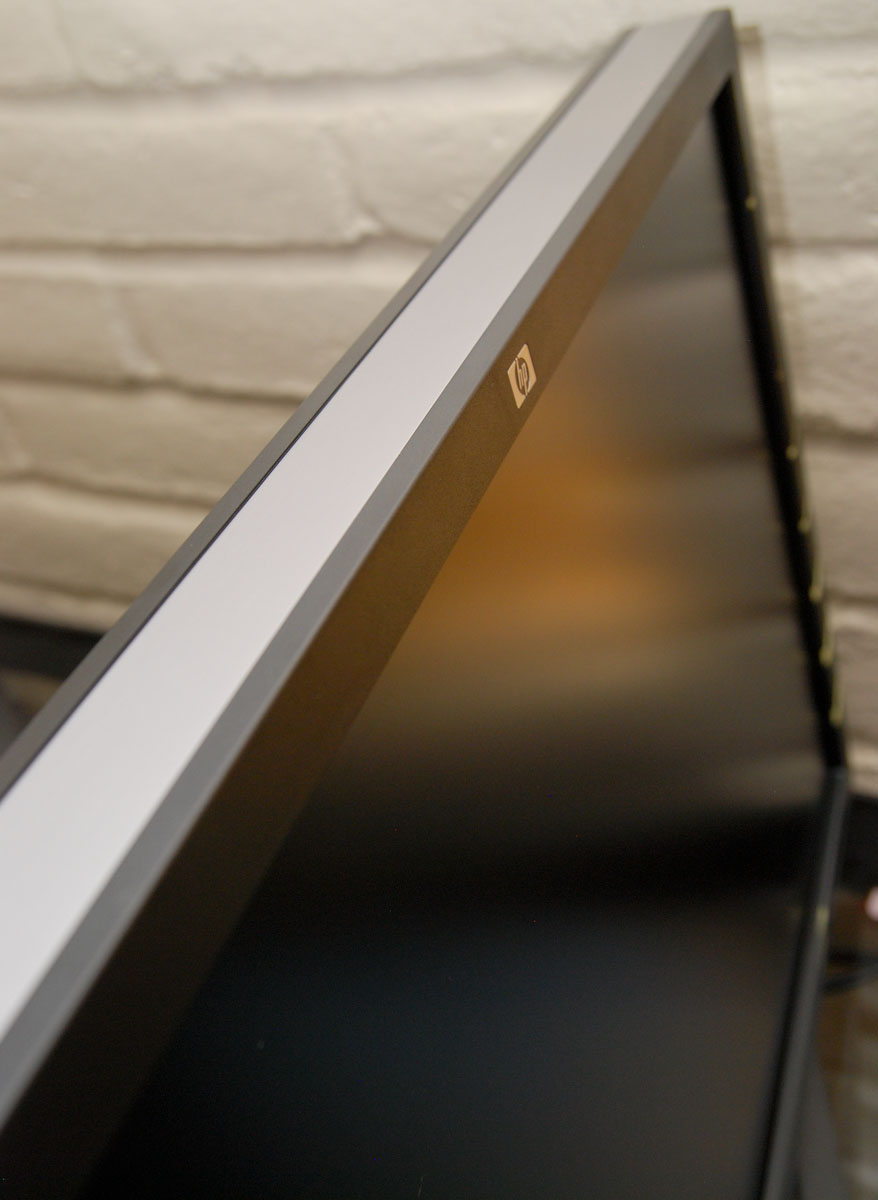
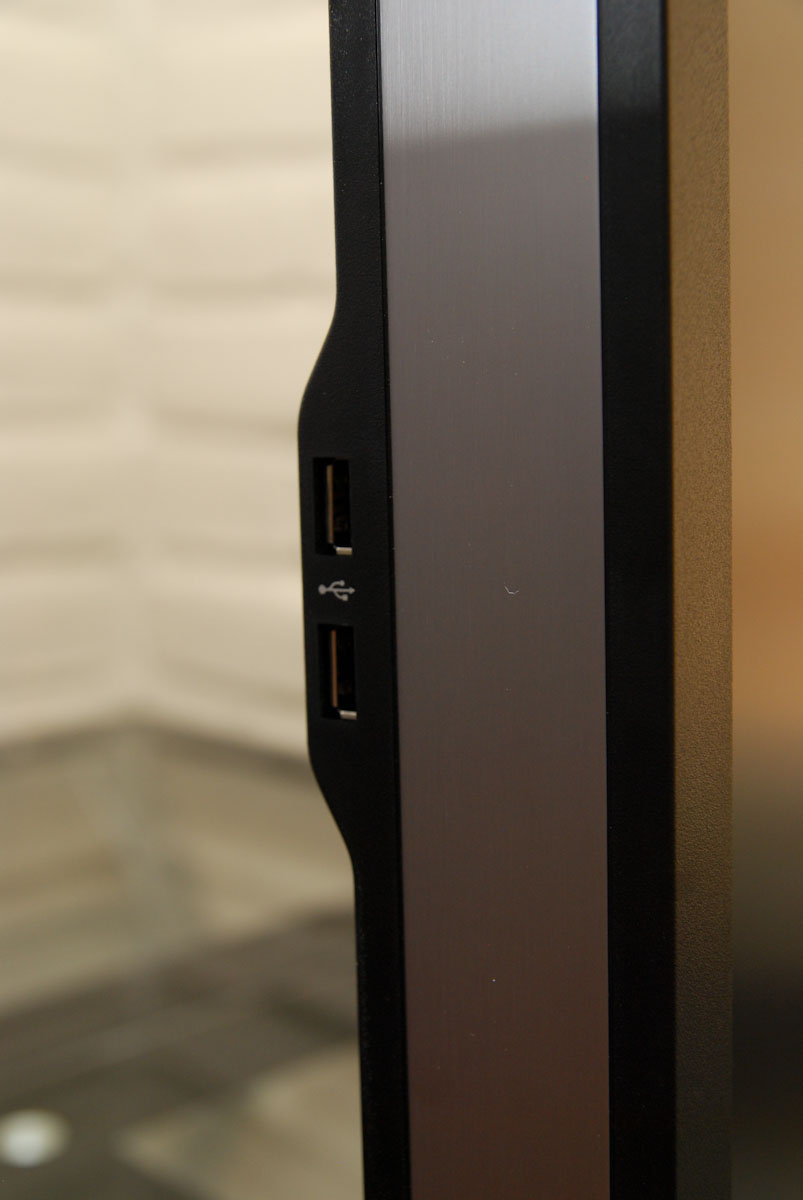
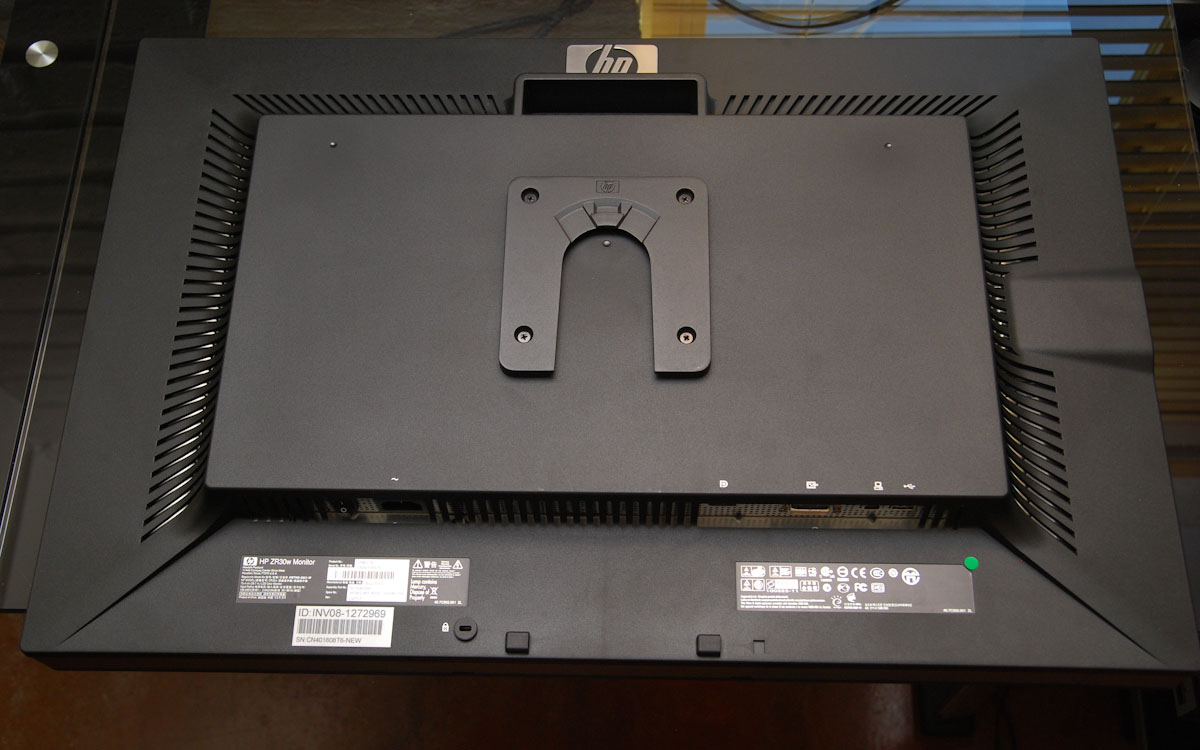
Around back is a much larger HP logo, cooling vents, and the display inputs. There’s also a semi hand hold which is great for guiding the monitor into the latch mechanism. Other than that, there’s not much else to speak of except the two USB 2.0 ports on the left of the display. What’s good about the ZR30w’s aesthetics is that they aren’t loud, garish, or overwhelmed with branding.
I noted in previous display reviews that sometimes at the lowest height setting the display connectors can hit the stand or otherwise be obstructed. Note that HP gives almost two entire inches of clearance for cables. This is the way it should be done - no problems connecting DVI cables, especially since dual-link cables are notably beefier.
We always like to use the monitor out of box without calibration for some time and just get a feel for it. While it’s easy to make a case that if you’re shopping for a 30” LCD, you’ve probably got the means to calibrate, it’s a harder case to make on the smaller displays. That said, I was immediately impressed with the ZR30w. Right away, the greens and reds were notably richer than on my two BenQ FP241W displays I use daily.
HP ships its manual on an enclosed CD-ROM, and also part of that installer is a color calibration .icm profile. As a rule, I’m going to start using manufacturer-supplied color profiles for my subjective uncalibrated testing and “uncalibrated” results, since they’re closest to what average users without colorimeters are going to do. Even with this ICM profile however, the panel seemed a bit cool in temperature to me (I later measured and found the same), but everything else seemed quite good.


 Facebook
 Twitter
 RSS
RSS


95 Comments
View All Comments
prof.yustas - Tuesday, June 1, 2010 - link
Thanks for the review, but I think most people would be more interested to see a review of HP ZR24w. Are you planning to review it?Brian Klug - Tuesday, June 1, 2010 - link
Hey, yeah we're definitely working on getting the ZR 22" and 24" displays for review. I know that everyone is very excited for us to get those and start working on em - at least I know I am! Should be within the month.Cheers,
Brian
kenyee - Tuesday, June 22, 2010 - link
Only negative is it doesn't do 1:1 display of 1080p inputs...it scales it up to 1200 lines all the time. A bunch of ZR24W owners have filed bugs w/ HP, but no word on getting this fixed yet :-PIf Anand could check this and gripe as well, it might help :-)
CSMR - Tuesday, June 1, 2010 - link
Good review, useful data.I do think the input options are just right for this: DVI+displayport. This is a PC monitor so these are the right options. Devices that use hdmi (consumer electronics, smartphones etc.) generally can't output 2560x1600.
icrf - Tuesday, June 1, 2010 - link
Yeah, but my personal Dell 3007 WFP-HC's DVI-D only means I can't hook up my work Dell M6400 laptop, as it has VGA and DP outputs only. I need a docking station for the two to mate, though I can't convince myself or the office that it's a worthy expense.More inputs is always better, even if there are downsides to the others (clarity, lag, etc).
softdrinkviking - Tuesday, June 1, 2010 - link
while i agree that added connectivity is always a good thing,if the lack of extra inputs shaved a $100 off the price, then it's why i, and a lot of other folks will buy one.
GoodBytes - Tuesday, June 1, 2010 - link
Display Port can be converted easily with an adapter to HDMI (with audio if your laptop supports audio with DP) or even DVI without any difficulties. And the adapters are fairly cheap and small.erple2 - Wednesday, June 2, 2010 - link
Does HDMI even have the bandwidth to support the native resolution? I don't think so - it's limited to at most 1920x1200.It therefore makes perfect sense to me to not include an HDMI connector.
platinum__1 - Tuesday, July 13, 2010 - link
As of HDMI 1.3 the max resolution is 2560x1600p at a 30 bit pixel depth. HDMI 1.4 will do 2k and 4k over single link to a resolution of 4096x2160p at up to 36bit pixel depth. (referenced from wikipedia for concise comparison charts). That is not to say that any given HDMI output to a device, or for that matter, a display port adapter will be able to deliver it due to the individual ports build, but it is possible under the right circumstances.samhall - Monday, January 9, 2012 - link
just wondering if anyone knows how to connect an xbox up to this monitor. I have connected it by getting an addapter for the DVI-D port but cant get anything on the screen.Can someone help Please??????