



Dell UltraSharp 1905FP: Setting the Bar for New 19" LCDs
by Kristopher Kubicki on January 29, 2005 12:35 AM EST- Posted in
- Displays
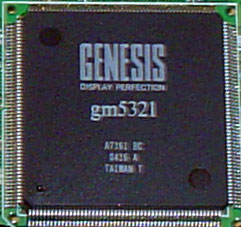
Genesis gm5321
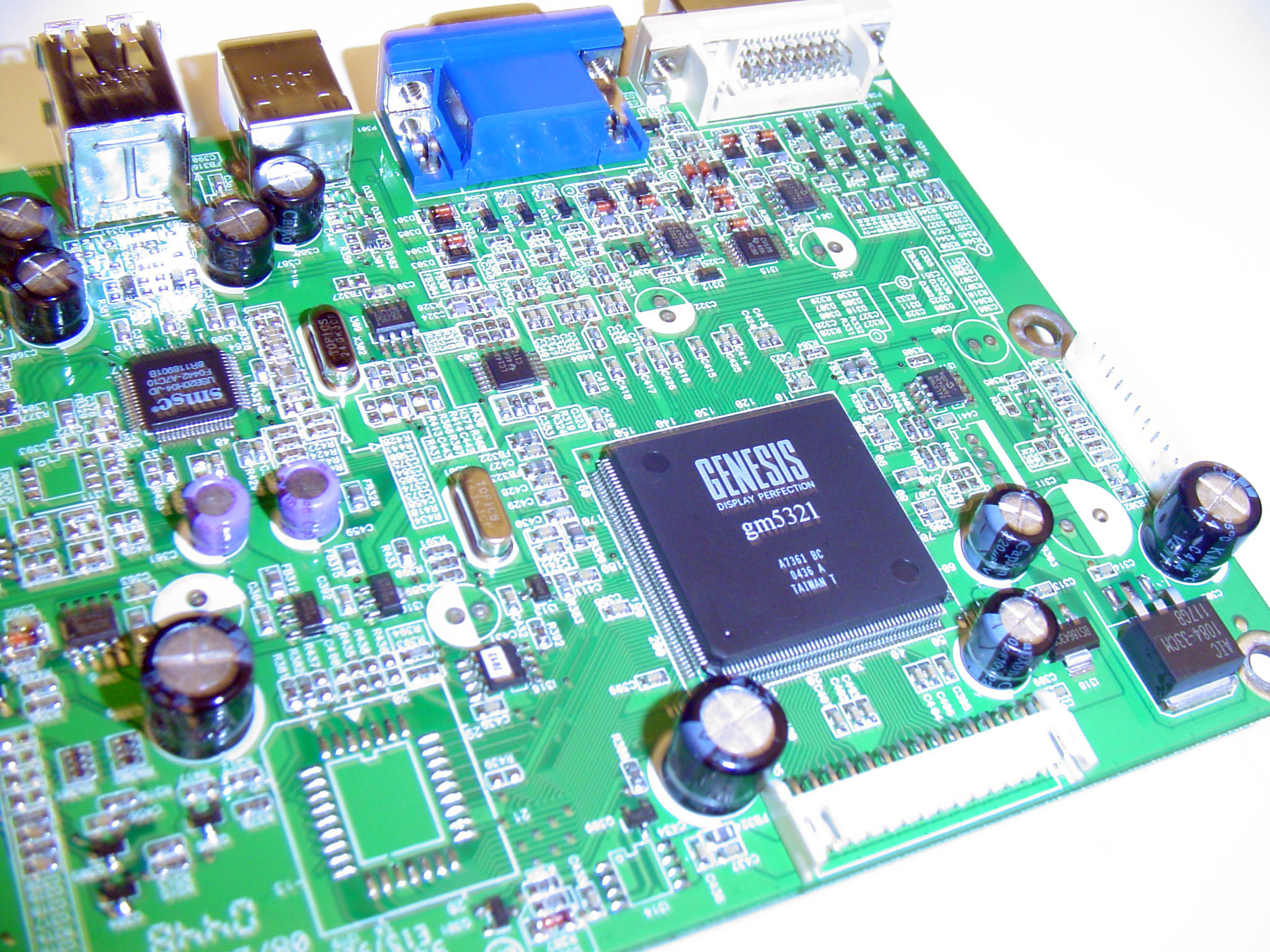
At the heart of every good LCD monitor revolves around a great signal processor – and our Dell 1905FP is no exception. The Genesis gm5321 found in the Dell 1905FP acts as the unified analog and digital controller for everything on the monitor except sound and USB. According to the technical documentation, the Genesis gm5321 is HDCP capable – so you should be able to hook up a DVI-HDCP receiver or DVD player to the monitor without worries.
Our monitor did not come with any sound capability, so that controller does not exist on the PCB. In the upper left corner of the board, you can see the SMC USB controller.
Click to enlarge.
The ribbon connector just below the Genesis DSP provides the input for the LCD panel while power from the separate inverter comes across the plug along the right side of the board.
Samsung LTM190E4
The cornerstone of our Dell 1905FP is the superb Samsung LTM190E4 panel.
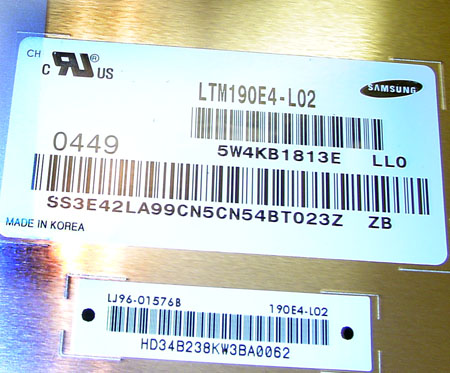
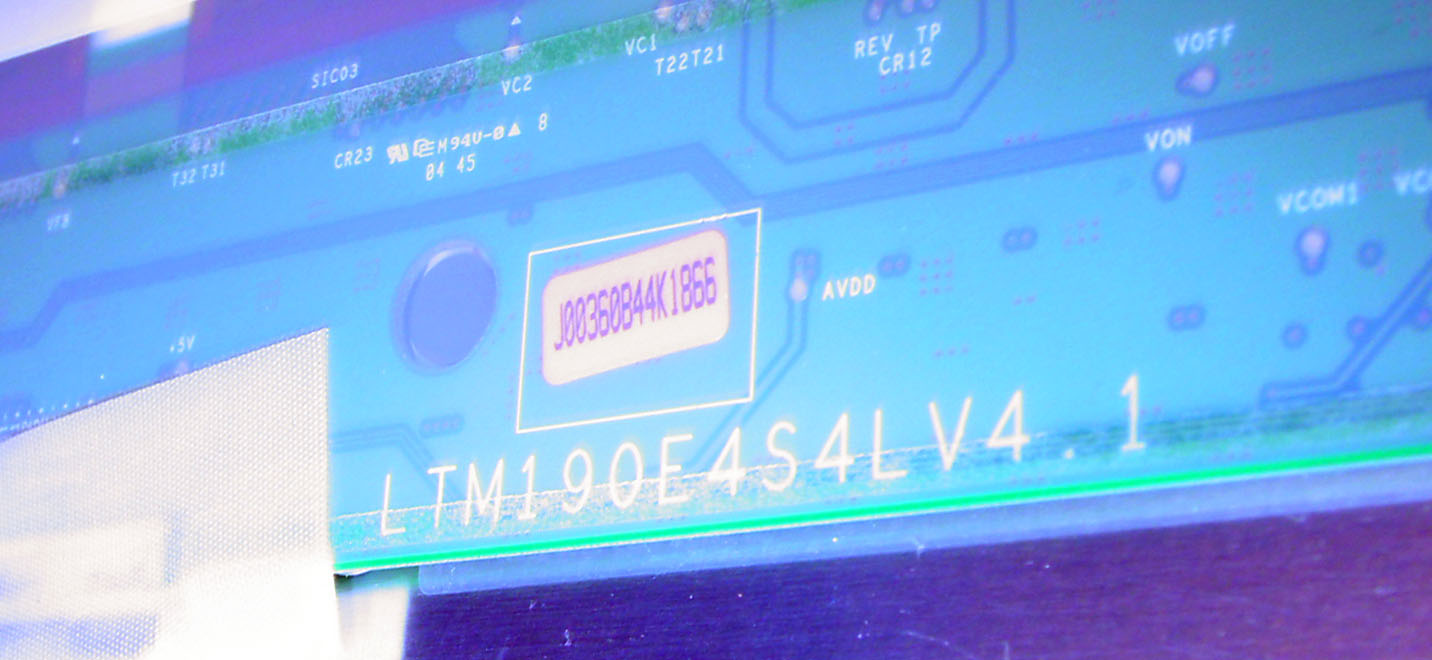
Interestingly enough, after opening the monitor, some of the modulation PCB from the panel was directly exposed, but sheathed in a protective film. The components of an LCD panel are almost always sheathed behind metal EMI shields.
Click to enlarge.
The Samsung website currently advertises a 1000:1 contrast ratio for the panel, which is probably a little too inflated. The original Samsung 193P used the same panel, but only advertised an 800:1 contrast ratio, and Dell advertises the 1905FP with an 800:1 contrast ratio as well. Given the liberal techniques that manufacturers use to measure contrast ratios, we are surprised that panel manufacturers haven't inflated ratios more since abominable plasma displays claim 2000:1 ratios.
But contrast ratio aside, the thing that sets this panel apart from most is that it's a lower response time component utilizing a genuine 8-bit panel with a PVA display mode. We always recommend 8-bit LCD panels over 6-bit LCD panels whenever possible, so immediately, the panel appeals to us. The PVA display mode is proprietary to Samsung, but it also appeals to us more than the prevalent TN display mode in use on most 6-bit panels today; the viewing angle is wider and the gray-to-gray transient is actually lower in many cases.
Our panel came with zero pixel or subpixel defects.


 Facebook
 Twitter
 RSS
RSS


66 Comments
View All Comments
UncleMike987 - Wednesday, May 11, 2005 - link
A really great monitor, a fantastic display, which surprisingly had no ghosting in games when using the DVI connection.But when I plugged this into a VGA connection on a Radeon 9000 AGP card, and the image was pretty dire. Several vertical bands, each of which blurred an entire column of the display. Okay, it could've been the video card, but it looked fine on a CRT monitor. You've been warned !
The worst thing about this monitor is the price.
Dell's pricing policy in the UK is madness.
One of my work colleagues bought this monitor recently, and was charged £299+vat+delivery.
Two weeks later, the same monitor from the same Dell website cost £243 INCLUSIVE of VAT and delivery, so I bought one for work and one for home. And love it.
And now, two weeks later, Dell's website is back selling it at £354 inc.
Seriously, how can you recommend a product whose price is springing around so much ?
At £243 inc for a quality brand 19" DVI monitor, it's a steal. Buy one now. But don't pay much more than this. With Dell's never-ending and never-static list of special offers and "Must end in 2 days"-style discounts, it's worth holding on for a week or two to save yourself a lot of money.
Btw, speakers aren't included - but you can buy a matching Dell Soundbar thing to clip on the bottom of the display for £30+vat. Dell's website gives no indication of how powerful these speakers are, so it's hard to know if to recommend them.
Mike
Bristol, UK
KristopherKubicki - Monday, April 25, 2005 - link
chrisjs is correct.Kristopher
chrisjs - Sunday, April 24, 2005 - link
I am fairly sure that the 1905fp DOES NOT SUPPORT HDCP.I just had my local friendly cable co install a SA 4200HD and, when I connect it to my 1905fp the LCD simply displays "cannot display this video mode"
I hoped it just needed to be configured, but the message continued when I went into to box's automagcic HDTV configuration screen. So I'm pretty sure now this LCD doesn't support DVI/HDCP, only normal DVI.
Visor4 - Tuesday, April 12, 2005 - link
Hi abbetaka,I hooked up my Denon DVD-1910 to the monitor using Dell's DVI cable. The video kept switching on and off. I'm assuming this is because Dell uses an 18-pin DVI cable, whereas the DVD player requires a 24-pin cable. When the video was visible, picture quality was excellent (the same as playing a PC DVD player like WinDVD, although my Denon has better deinterlacing). Unfortunately, the red drift artifacts were still visible.
I just received an exchange unit, and much to my dismay it has the same defect. I think it's time to call Dell again, return both these units, and pick up a 2001FP before they disappear.
Visor
abbetaka - Thursday, April 7, 2005 - link
The article states, "According to the technical documentation, the Genesis gm5321 is HDCP capable – so you should be able to hook up a DVI-HDCP receiver or DVD player to the monitor without worries."... Has anyone confirmed that HDCP does work on this? I took the link to the gm5321 document, and it says...
Ultra-Reliable DVI[tm] Input (gm5321)
* Operating up to 165 MHz (up to UXGA 60Hz)
* Direct connect to all DVI-compliant digital transmitters
* High-bandwidth Digital Content Protection (HDCP)
Note: HDCP function is available in gm5221H version only.
... That's the only mention of gm5221 in the whole doc though. Does it mean the gm5321 doesn't do HDCP at all? Or just that gm5221s other than the -h don't? Or.. ..? I'm not sure how to interpret it.
I'm considering getting a DVI outputting DVD player but I don't have a TV and would rather not go to the trouble if this LCD won't do HDCP.
Anybody? Bueller?
Thx...
Visor4 - Tuesday, April 5, 2005 - link
This artifact definately shows up in other movies and media. It's hard not to miss.I suspect that I have a defective monitor, and even Anandtech's review clearly shows this bleeding effect on the Matrix screenshot:
http://www.anandtech.com/displays/showdoc.aspx?i=2...
Look at Keanu's right inner ear (well, the left inner ear from our point of view) and the right (left) part of his upper lip. Notice how there's a very strong hue of red on those parts? That's an example of what I see, but mine is more exaggerated when people and objects are moving.
Does anybody else see this artifact when watching movies? I have Dell sending me another 1905FP as an exchange so I'll verify if the entire line has this problem. If so, I think I might pick up a 2001FP while they're still available and see how an IPS panel performs compared to this VA panel.
Visor
Visor4 - Sunday, April 3, 2005 - link
Hi Kristopher,Could you please explain what "red shift" means? I just received a 1905FP, and while I was watching a Sex and the City episode I noticed a red drift/shift type of artifact. It was as if the red colour was lagging behind everything else. It was easiest to see under their noses, like they were all getting nosebleeds. Other than that, I haven't really seen this "drift" in other media. I'll keep watching and let everyone know.
Thanks,
Visor
goldsheet - Saturday, April 2, 2005 - link
Recently bought one for $317 (after 40% off coupon) and am quite satisfied for business applications. Video and gaming not a priority for me.falcc - Monday, March 14, 2005 - link
I just recieved mine as well. It was 20% off so it was a fantastic price when you compare it to the Samsung. Movies aren't great on it but I'm quite happy with the quality in games. I've come from a CRT and this is my first LCD. When I first played HL2 on it I wasn't overly pleased but after adjusting the brightness etc. it is now great.tscholz - Thursday, March 3, 2005 - link
Just bought this monitor, everything looks perfect. There is very little ghosting, and the contrast is very good. Like #54, video is very blocky when playing DivX/XviD/whatever. But I think this because of the lack of blooming in LCD screens, artifacts of movies are more visible. Can't see any other way a monitor can affect video playback.The reason i bought it, was in part bacause of this article, and that is uses the same panel as the Samsung 139P. But while being as good as the Samsung 139P, it costs less.