



Memory Performance: 16GB DDR3-1333 to DDR3-2400 on Ivy Bridge IGP with G.Skill
by Ian Cutress on October 18, 2012 12:00 PM EST- Posted in
- Memory
- G.Skill
- Ivy Bridge
- DDR3
At the lowest end of our testing, we have a 16GB DDR3-1333 9-9-9 kit on hand. When DDR3 was first released, the main speed available was DDR3-800, but enough time has passed that this has phased out and now 1333 MHz is the new ‘minimum’. With the prices of memory as they are, this kit from G.Skill currently retails for $75, meaning that a massive amount of memory is available for all at a reasonable level. To put this into contrast, I remember spending ~$240 on a 2x2 GB Kit of DDR2-800 5-5-5 about 5-6 years ago – we can now get four times the capacity for less than a third of the price.
DDR3-1333 sits at the bottom end, but within months we can imagine DDR3-1600 taking that spot – as we will see with the next kit, for $5 more we get a faster product.
Visual Inspection
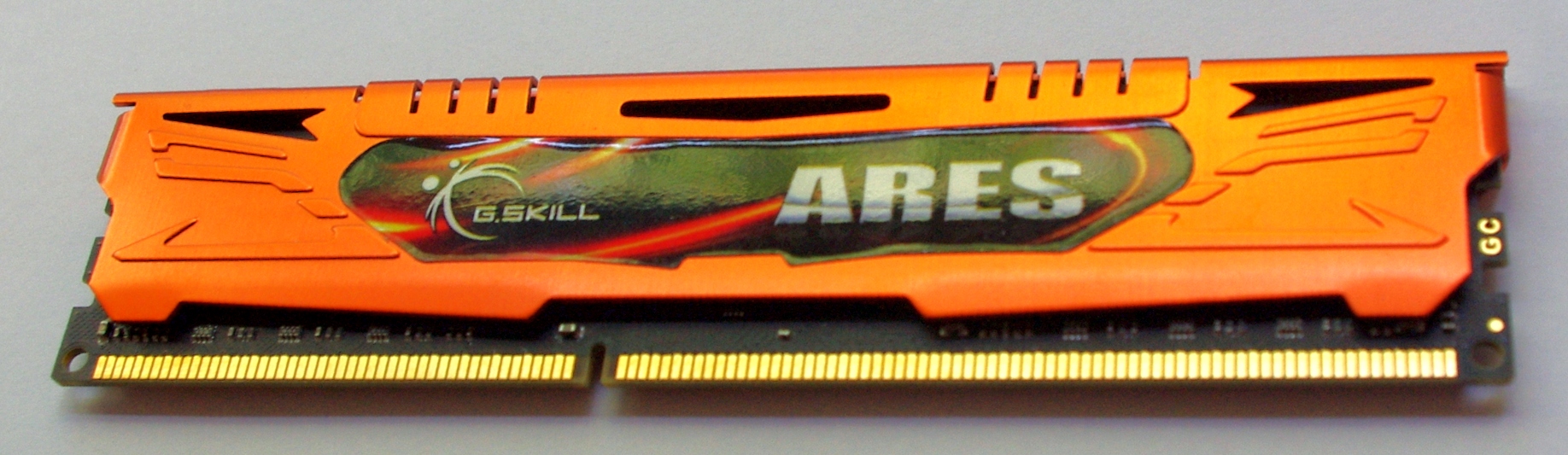
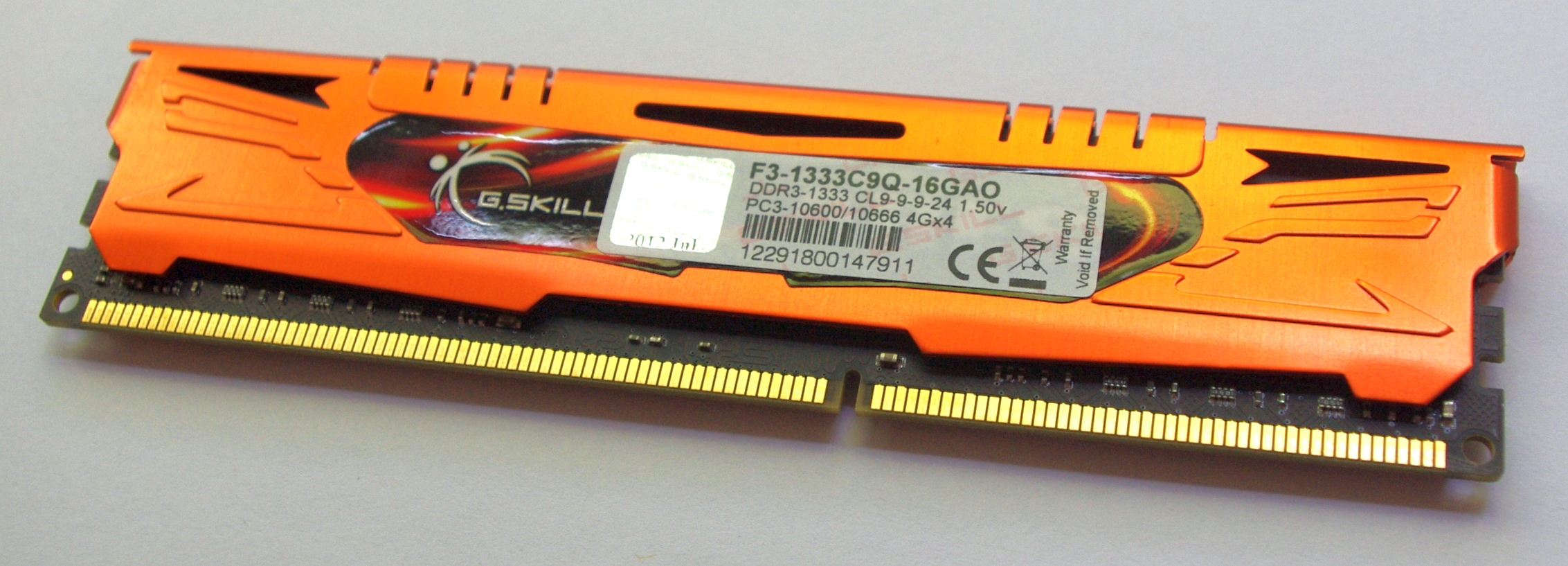
Our first kit features G.Skill’s Ares branding – the Ares kits that G.Skill sell are essentially meant to be the lower profile but colored heatsinks. These heatsinks in all honesty may not be entirely necessary for cooling, but they are firmly bonded to the memory modules and removing them would be a large task and more than likely damage the module. I have seen horror stories of chips being removed along with the heatsink, making the memory unusable. As a result we cannot directly observe which ICs are being used in our kits for this review. A quick word in the ear of G.Skill and they will not tell us the information, under the guise that it is classified and if the competition wants to know what G.Skill are using, they will have to buy a kit and break it themselves. Given how small the margins are in memory sales (as well as potential market stagnation after the credit crisis), I’m not surprised with the level of secrecy.
Anyway, back to the kit:
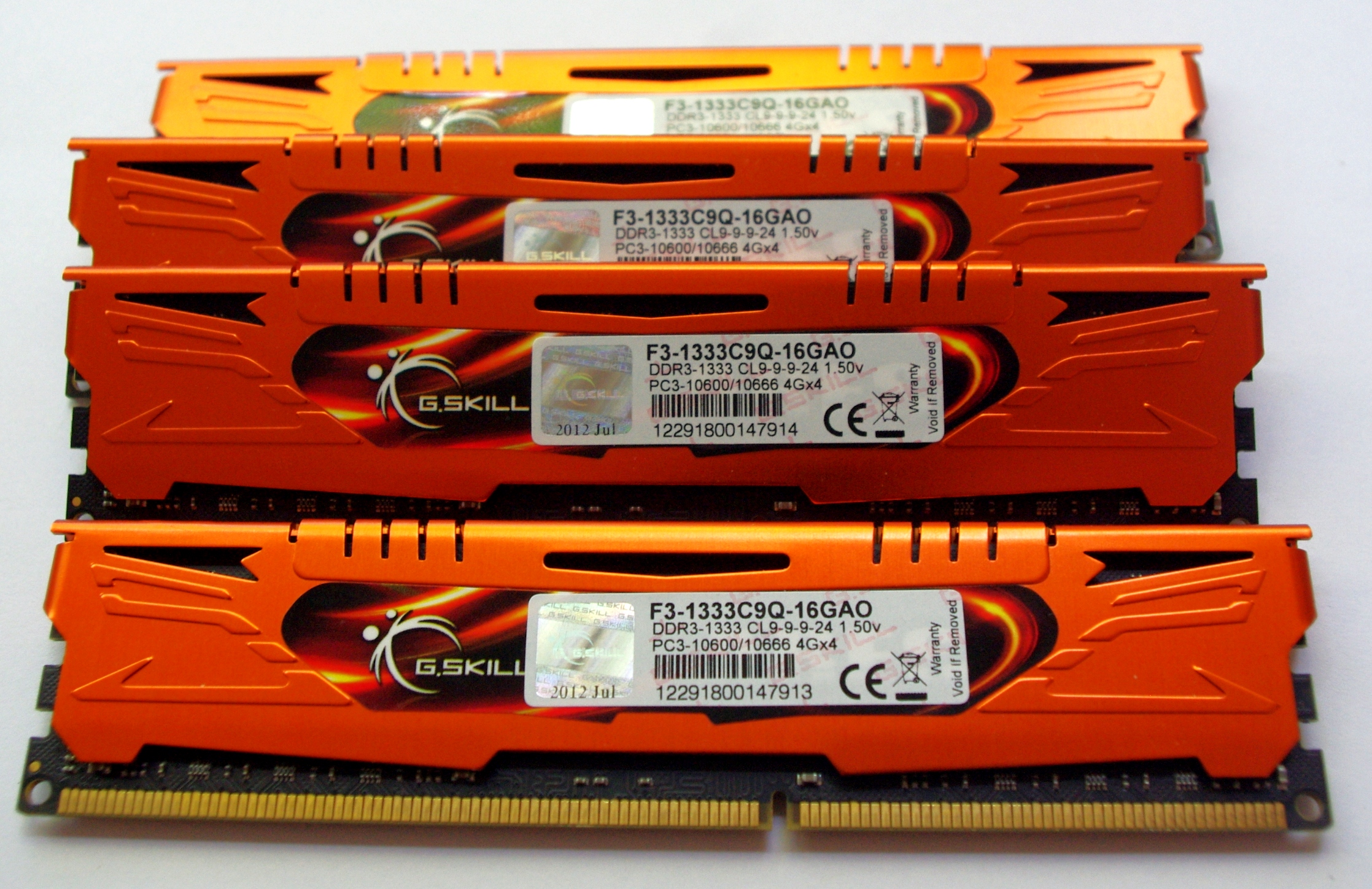
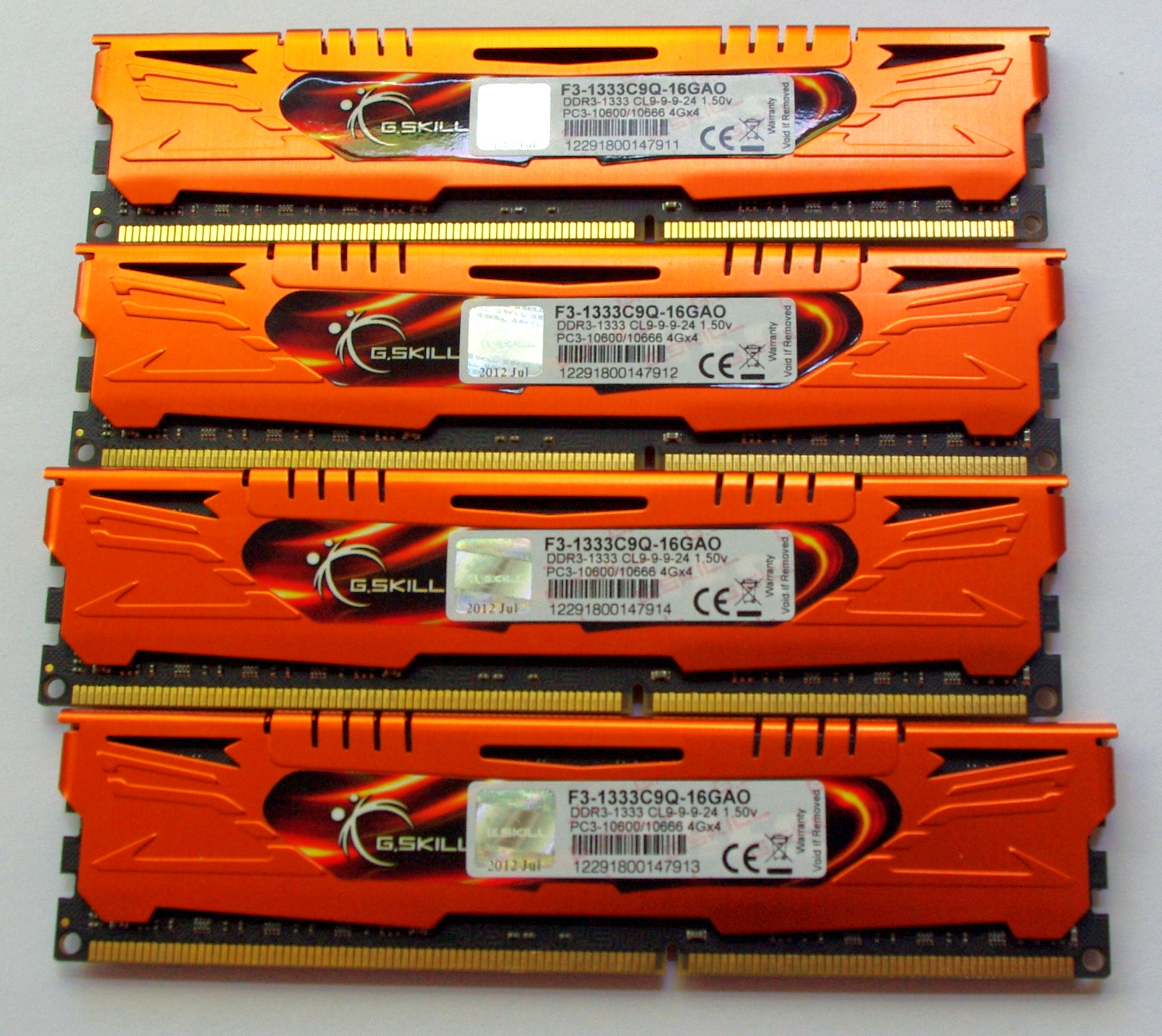

The standard packaging at G.Skill is a rather efficient plastic container holding each of the modules. The packaging is easy enough to open, though I also found it fairly brittle, meaning small shards could break off and be easily lodged in feet. Inside the box itself is a piece of card to advertise the kit and protect the modules from each other. We also get a small G.Skill sticker for the computer case.


JEDEC + XMP Settings
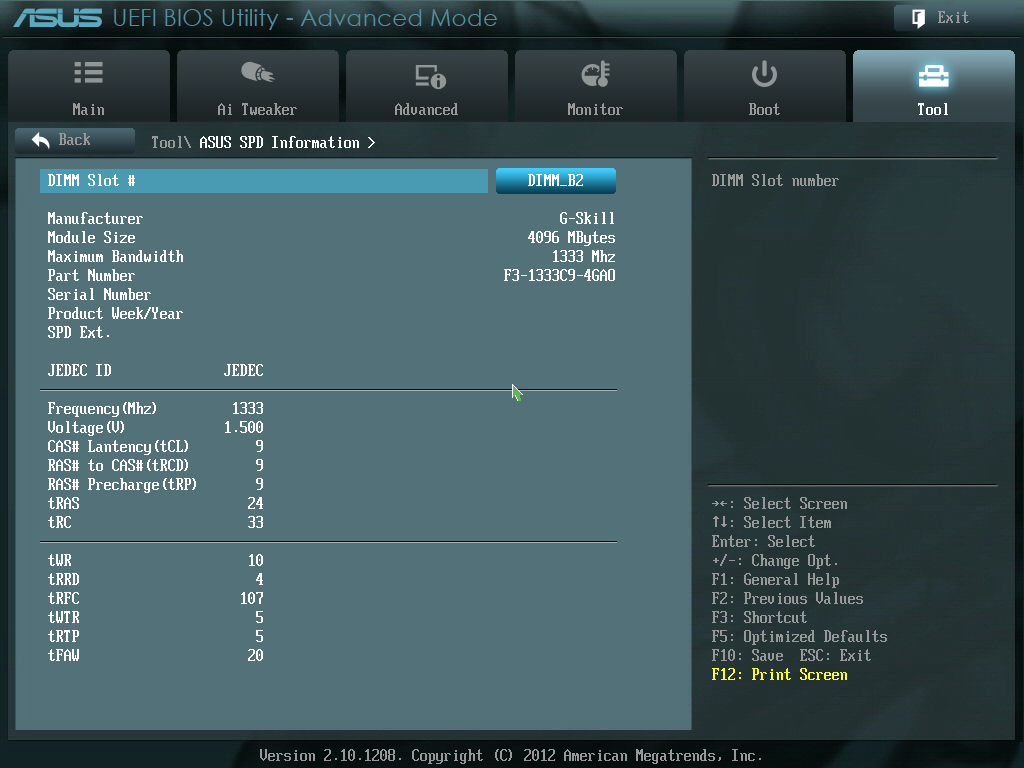
| G.Skill | |||||
| Kit Speed | 1333 | 1600 | 1866 | 2133 | 2400 |
| Subtimings | 9-9-9-24 2T | 9-9-9-24 2T | 9-10-9-28 2T | 9-11-10-28 2T | 10-12-12-31 2T |
| Price | $75 | $80 | $95 | $130 | $145 |
| XMP | No | Yes | Yes | Yes | Yes |
| Size | 4 x 4 GB | 4 x 4 GB | 4 x 4 GB | 4 x 4 GB | 4 x 4 GB |
|
|
|||||
| MHz | 1333 | 1600 | 1867 | 2134 | 2401 |
| Voltage | 1.500 | 1.500 | 1.500 | 1.650 | 1.650 |
| tCL | 9 | 9 | 9 | 9 | 10 |
| tRCD | 9 | 9 | 10 | 11 | 12 |
| tRP | 9 | 9 | 9 | 10 | 12 |
| tRAS | 24 | 24 | 28 | 28 | 31 |
| tRC | 33 | 33 | 37 | 38 | 43 |
| tWR | 10 | 12 | 14 | 16 | 16 |
| tRRD | 4 | 5 | 5 | 6 | 7/6 |
| tRFC | 107 | 128 | 150 | 171 | 313 |
| tWTR | 5 | 6 | 8/7 | 9/8 | 10/9 |
| tRTP | 5 | 6 | 8/7 | 9/8 | 10/9 |
| tFAW | 20 | 24 | 24 | 25 | 26 |
| tCWL | - | 7 | 7 | 7 | 7 |
| CR | - | 2 | 2 | 2 | 2 |


 Facebook
 Twitter
 RSS
RSS


114 Comments
View All Comments
vegemeister - Friday, October 19, 2012 - link
Most of the (still tiny) difference that appeared in the x264 benchmark was in the first pass. Two pass encodes really only make sense when you're trying to fit a single video onto a single storage device. That's an extremely uncommon use case these days, for everyone but the people mastering blu-rays.jonyah - Thursday, October 18, 2012 - link
"I remember buying my first memory kit ever. It was a 4GB kit of OCZ DDR2 for my brand new E6400 system, and at the time I paid ~$240, sometime back in 2005."I remember buying my first kit too. It was an upgrade from the 2MB I had to 6MB (yes MB, not GB), and that 6MB cost me $200 as well, this was back in 1995. Ten years and we had a 1000x improvement in size and who knows how much in speed.
rchris - Thursday, October 18, 2012 - link
Well, dang it! All these "I remember..." comments have really made me feel old. In my case it was paying $300 for a used 1MB board for a Zenith Z100. Can't even remember the year--somewhere in the mid- to late-1980s.IanCutress - Thursday, October 18, 2012 - link
I should point out that the kit I got was my first purchased kit on its own... Many computers before then where they were built my family or came pre-built.On the topic of A10 comparisons, I had thought of doing some in the future if enough interest was there. As the majority of CPU sales is in Intel's favor, we went with Intel first. (Also most of the testing for this review occurred before I had an A10 sample at hand.)
Ian
Termie - Thursday, October 18, 2012 - link
Great article, Ian. Thanks for taking on this challenge and enlightening us all.Don't worry about all the old-timers bugging you about your first build being in this century. It's not like they could have written this article!
arthur449 - Thursday, October 18, 2012 - link
I'd love to see an AMD CPU test run with the same memory kits and the same test suite to contrast the differences in performance gains offered by faster memory between the two major CPU platforms.lowenz - Thursday, October 18, 2012 - link
Make an extension to this brilliant article with new Trinity A8 / A10 and you'll be an instant geek hero.frozentundra123456 - Thursday, October 18, 2012 - link
Could you do a similar test in laptops, A10 vs HD4000? Like I said in my other post, this is where I see more possibility of igps actually being used for gaming. I also think this is where HD4000 is most competitive to AMD, in a power limited scenario.DanNeely - Thursday, October 18, 2012 - link
Have laptop bios's opened up enough in the last few years to let you specify memory timings? The advice I've always seen was to buy the cheapest ram at your laptops designated clockspeed because you won't be able to set the faster timings even if you wanted.haplo602 - Friday, October 19, 2012 - link
You have ONE set for each frequency, WHY the hell are you using the stupid model numbers in the graphs ????WHO CAME UP WITH THAT STUPID IDEA ????
otherwise the review is solid.