



Memory Performance: 16GB DDR3-1333 to DDR3-2400 on Ivy Bridge IGP with G.Skill
by Ian Cutress on October 18, 2012 12:00 PM EST- Posted in
- Memory
- G.Skill
- Ivy Bridge
- DDR3
At the lowest end of our testing, we have a 16GB DDR3-1333 9-9-9 kit on hand. When DDR3 was first released, the main speed available was DDR3-800, but enough time has passed that this has phased out and now 1333 MHz is the new ‘minimum’. With the prices of memory as they are, this kit from G.Skill currently retails for $75, meaning that a massive amount of memory is available for all at a reasonable level. To put this into contrast, I remember spending ~$240 on a 2x2 GB Kit of DDR2-800 5-5-5 about 5-6 years ago – we can now get four times the capacity for less than a third of the price.
DDR3-1333 sits at the bottom end, but within months we can imagine DDR3-1600 taking that spot – as we will see with the next kit, for $5 more we get a faster product.
Visual Inspection
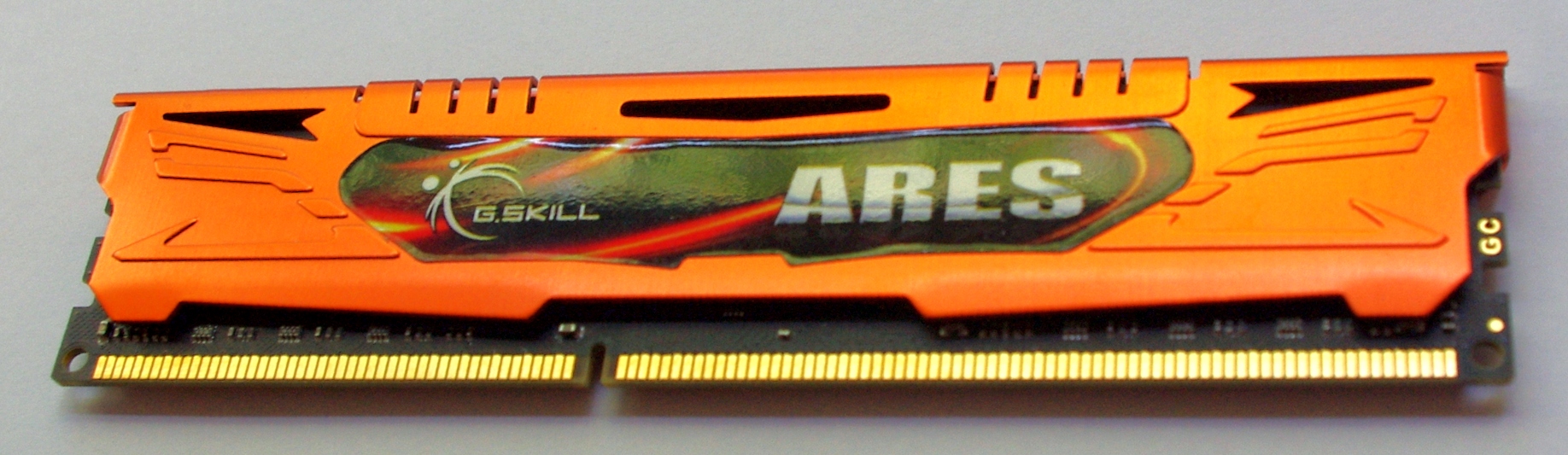
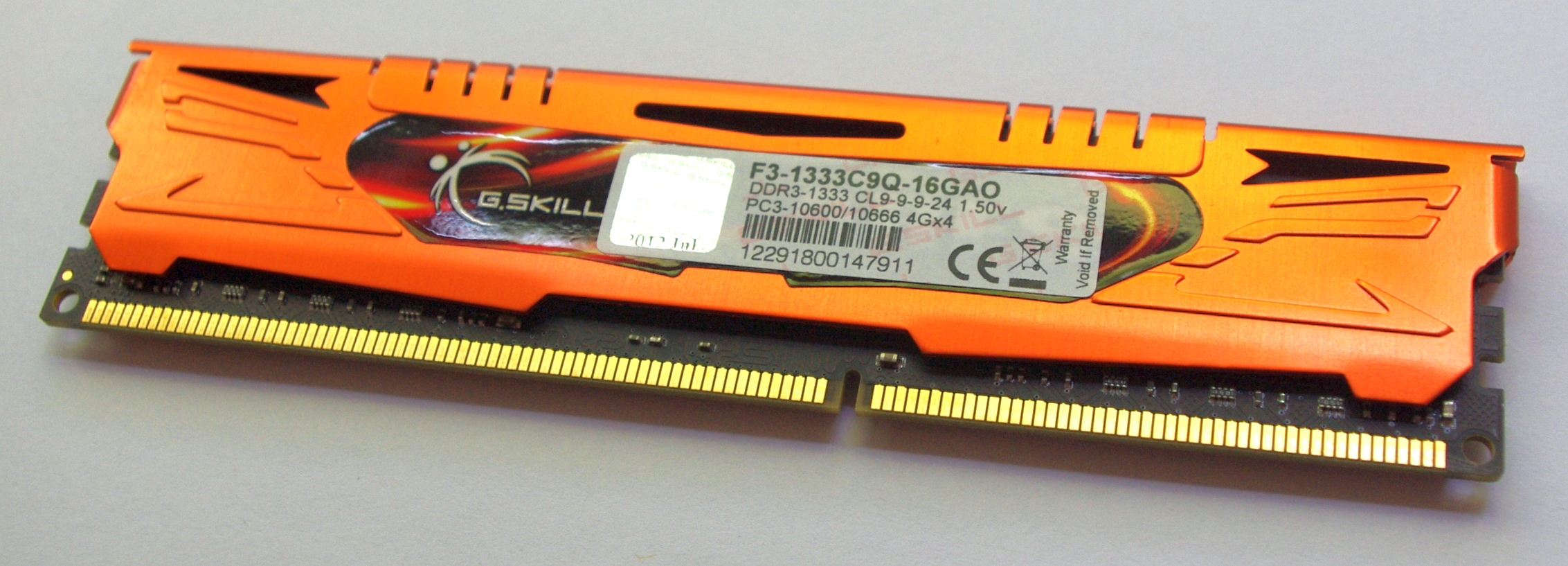
Our first kit features G.Skill’s Ares branding – the Ares kits that G.Skill sell are essentially meant to be the lower profile but colored heatsinks. These heatsinks in all honesty may not be entirely necessary for cooling, but they are firmly bonded to the memory modules and removing them would be a large task and more than likely damage the module. I have seen horror stories of chips being removed along with the heatsink, making the memory unusable. As a result we cannot directly observe which ICs are being used in our kits for this review. A quick word in the ear of G.Skill and they will not tell us the information, under the guise that it is classified and if the competition wants to know what G.Skill are using, they will have to buy a kit and break it themselves. Given how small the margins are in memory sales (as well as potential market stagnation after the credit crisis), I’m not surprised with the level of secrecy.
Anyway, back to the kit:
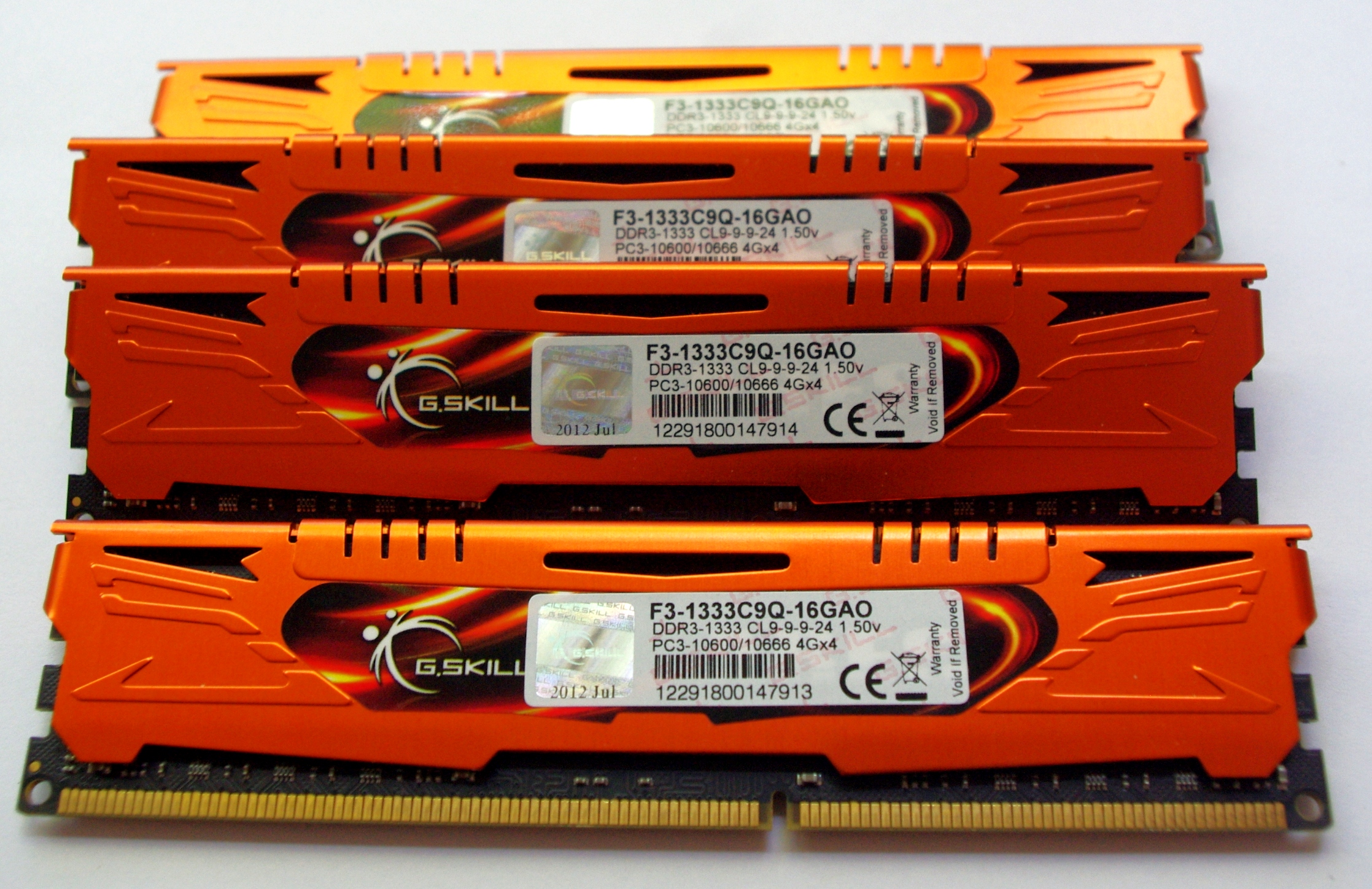
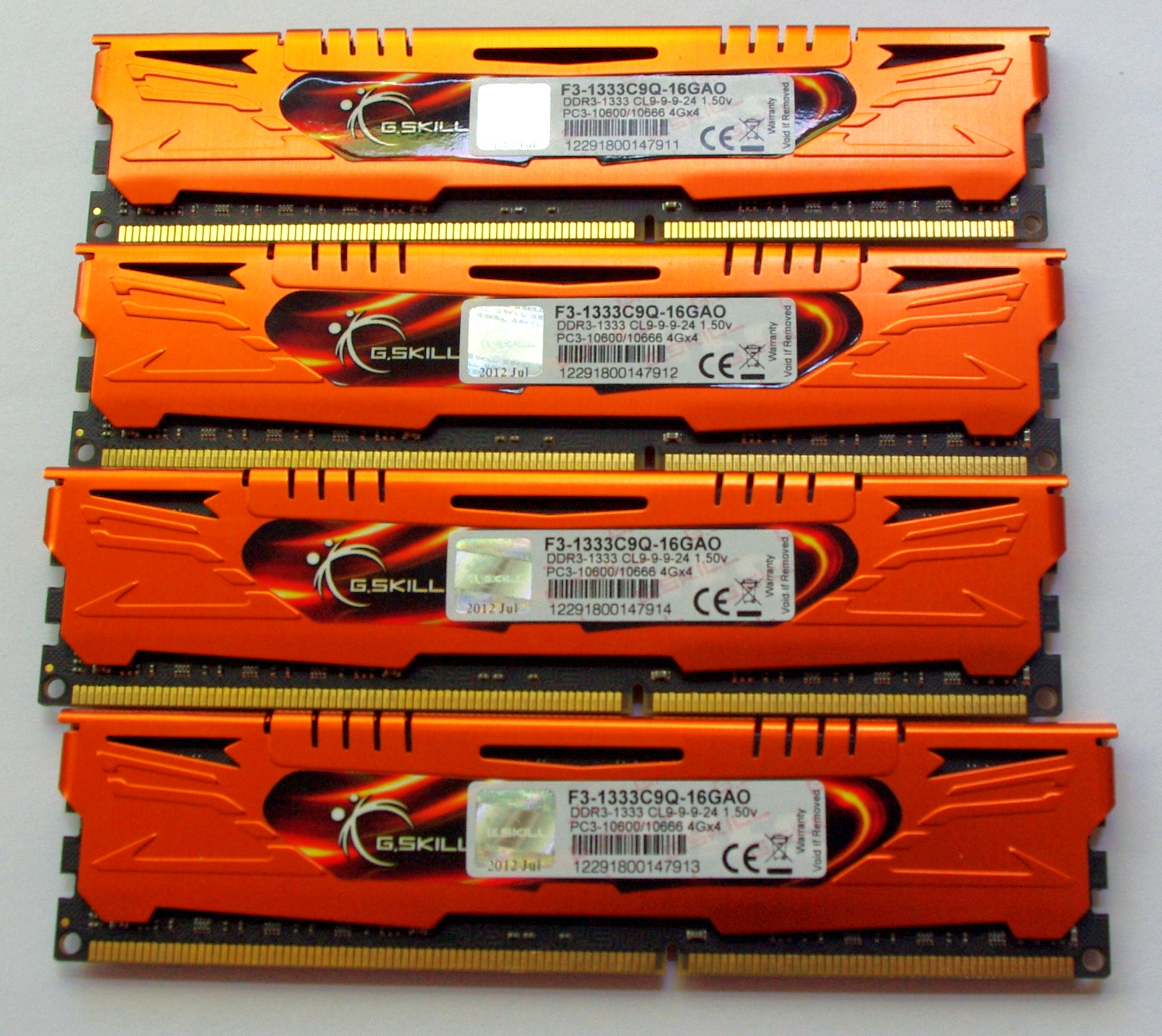

The standard packaging at G.Skill is a rather efficient plastic container holding each of the modules. The packaging is easy enough to open, though I also found it fairly brittle, meaning small shards could break off and be easily lodged in feet. Inside the box itself is a piece of card to advertise the kit and protect the modules from each other. We also get a small G.Skill sticker for the computer case.


JEDEC + XMP Settings
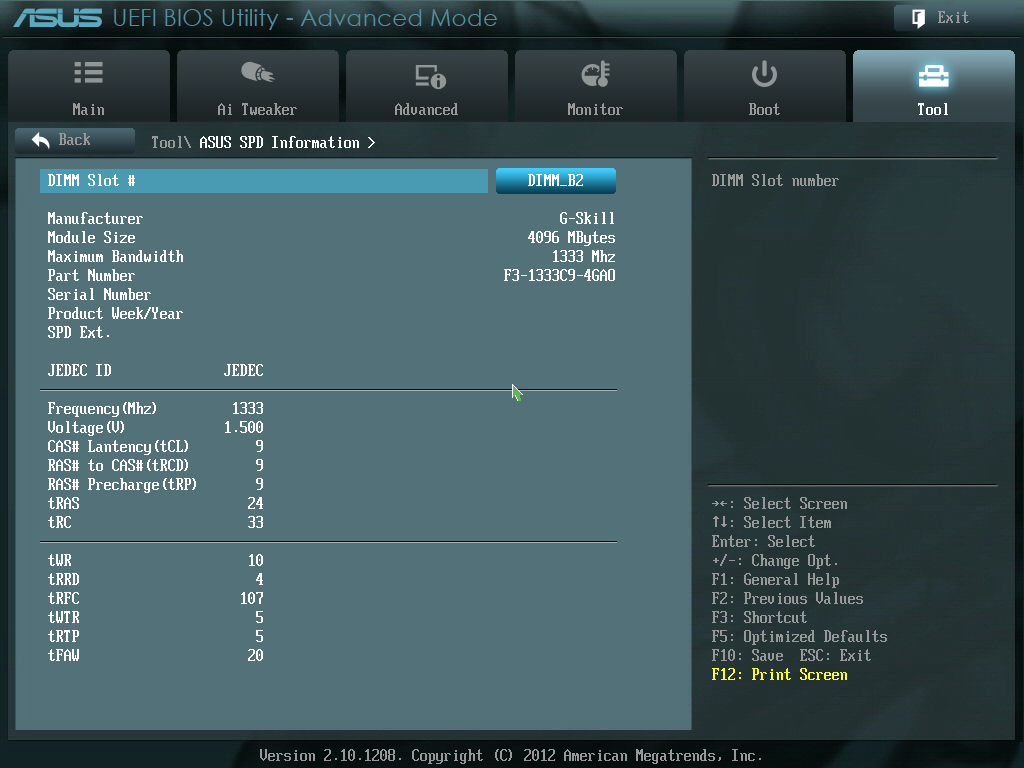
| G.Skill | |||||
| Kit Speed | 1333 | 1600 | 1866 | 2133 | 2400 |
| Subtimings | 9-9-9-24 2T | 9-9-9-24 2T | 9-10-9-28 2T | 9-11-10-28 2T | 10-12-12-31 2T |
| Price | $75 | $80 | $95 | $130 | $145 |
| XMP | No | Yes | Yes | Yes | Yes |
| Size | 4 x 4 GB | 4 x 4 GB | 4 x 4 GB | 4 x 4 GB | 4 x 4 GB |
|
|
|||||
| MHz | 1333 | 1600 | 1867 | 2134 | 2401 |
| Voltage | 1.500 | 1.500 | 1.500 | 1.650 | 1.650 |
| tCL | 9 | 9 | 9 | 9 | 10 |
| tRCD | 9 | 9 | 10 | 11 | 12 |
| tRP | 9 | 9 | 9 | 10 | 12 |
| tRAS | 24 | 24 | 28 | 28 | 31 |
| tRC | 33 | 33 | 37 | 38 | 43 |
| tWR | 10 | 12 | 14 | 16 | 16 |
| tRRD | 4 | 5 | 5 | 6 | 7/6 |
| tRFC | 107 | 128 | 150 | 171 | 313 |
| tWTR | 5 | 6 | 8/7 | 9/8 | 10/9 |
| tRTP | 5 | 6 | 8/7 | 9/8 | 10/9 |
| tFAW | 20 | 24 | 24 | 25 | 26 |
| tCWL | - | 7 | 7 | 7 | 7 |
| CR | - | 2 | 2 | 2 | 2 |


 Facebook
 Twitter
 RSS
RSS


114 Comments
View All Comments
Peanutsrevenge - Friday, October 19, 2012 - link
Thanks Ian.Well, except for making me feel ludicrously old, first memory kit of 4GB DDR2?
Mine was back in SIMM days, when I think I added an 8MB 72pin stick to my existing 4MB stick.
Although the external math co-processor might have come first.
And I'm only 31.
You shall now always be Dr Evil Cutress to me.
IanCutress - Friday, October 19, 2012 - link
First *purchased* memory kit. I dealt with plenty of older memory thanks to hand me downs or prebuilt systems from my family at the time. I still have some SDRAM around somewhere, or some 8MB sticks of something or other. It's in a box under the desk ;)Haha, I've been called worse :D
Ian
alpha754293 - Friday, October 19, 2012 - link
I would have figured that with a memory test/benchmarking that you would be running Stream test.And with all this talk about the various latencies (measured in clock cycles) - a) a comparison should be given between the theorectical calculations and the actual performance and b) that you would think that you'd use something like lmbench in order to try to better quantify/test that (in addition to the actual games, tools, and applications).
Most of the results are pretty much inconclusive since the standard deviation is within the margin of error.
IanCutress - Friday, October 19, 2012 - link
Main reason is to steer away from synthetics. Synthetics frustrate me so - they will easily show the difference between a 1600 C9 and 2400 C10 kit, but what is that difference in real life? If latencies and burst speeds are x% difference in the synthetic, does that actually make a difference when playing Portal 2? Hence the requirement of this review to focus on the practical rather than the synthetic.Regarding being within standard deviations, the results you see are the culmination of multiple tests. The standard deviations are actually quite low as the results are enormously repeatable. I did a science doctorate, I make sure my numbers are valid.
Ian
Tchamber - Friday, October 19, 2012 - link
Back in 2009 I picked up a 3x2GB kit of Mushkin DDR3 1600 with timings of 6-7-6-18. Why don't we see low latency like that any more?IanCutress - Friday, October 19, 2012 - link
Those were linked to different types of memory chips at the time - the Elpida 'Hyper' ICs (http://www.anandtech.com/show/2799). Nice speeds, but high fail rates and low yields. They have been replaced by chips that are slightly slower, but a lot more reliable. Also to note that those Elpida Hyper kits worked great with Clarkdale and Nehalem, but are poor with Sandy Bridge and Ivy Bridge.Ian
CherryBOMB - Friday, October 19, 2012 - link
Can you explain why you say Hyper' IC's are " are poor with Sandy Bridge and Ivy Bridge."As I stated "I have 16gb of the fastest money could buy around that era running on x79 @ 1666 6-6-6-18-1t right now."
This was a tri channel run >
http://www.overclock.net/t/872945/top-30-3d-mark-1...
post #1054
IanCutress - Saturday, October 20, 2012 - link
Because Hyper ICs fell out of favor, motherboard manufacturers are now reluctant to spend time in optimizing the Hyper IC kits to work with their systems. Thus the kits often have to fall back onto default settings, and they sometimes do not work. As one set of ICs is phased out, and new ICs come in, the newer ICs get priority.Ian
PS. You'll find me on the overclock.net HWBot team :)
CherryBOMB - Friday, October 19, 2012 - link
I have 16gb of the fastest money could buy around that era running on x79 @ 1666 6-6-6-18-1t right now.well over $1000 invested. Each 6gb kit was over $450 - bought the extra to future proof to quad lanes today.
2x CMT6GX3M3A1600C6
1x CMT4GX3M2A1600C6
http://www.newegg.com/Product/Product.aspx?Item=N8...
http://www.newegg.com/Product/Product.aspx?Item=N8...
saturn85 - Friday, October 19, 2012 - link
how about adding a folding on cpu benchmark with different memory speed?