



Samsung SSD 840 (250GB) Review
by Kristian Vättö on October 8, 2012 12:14 PM EST- Posted in
- Storage
- SSDs
- Samsung
- TLC
- Samsung SSD 840
Introduction
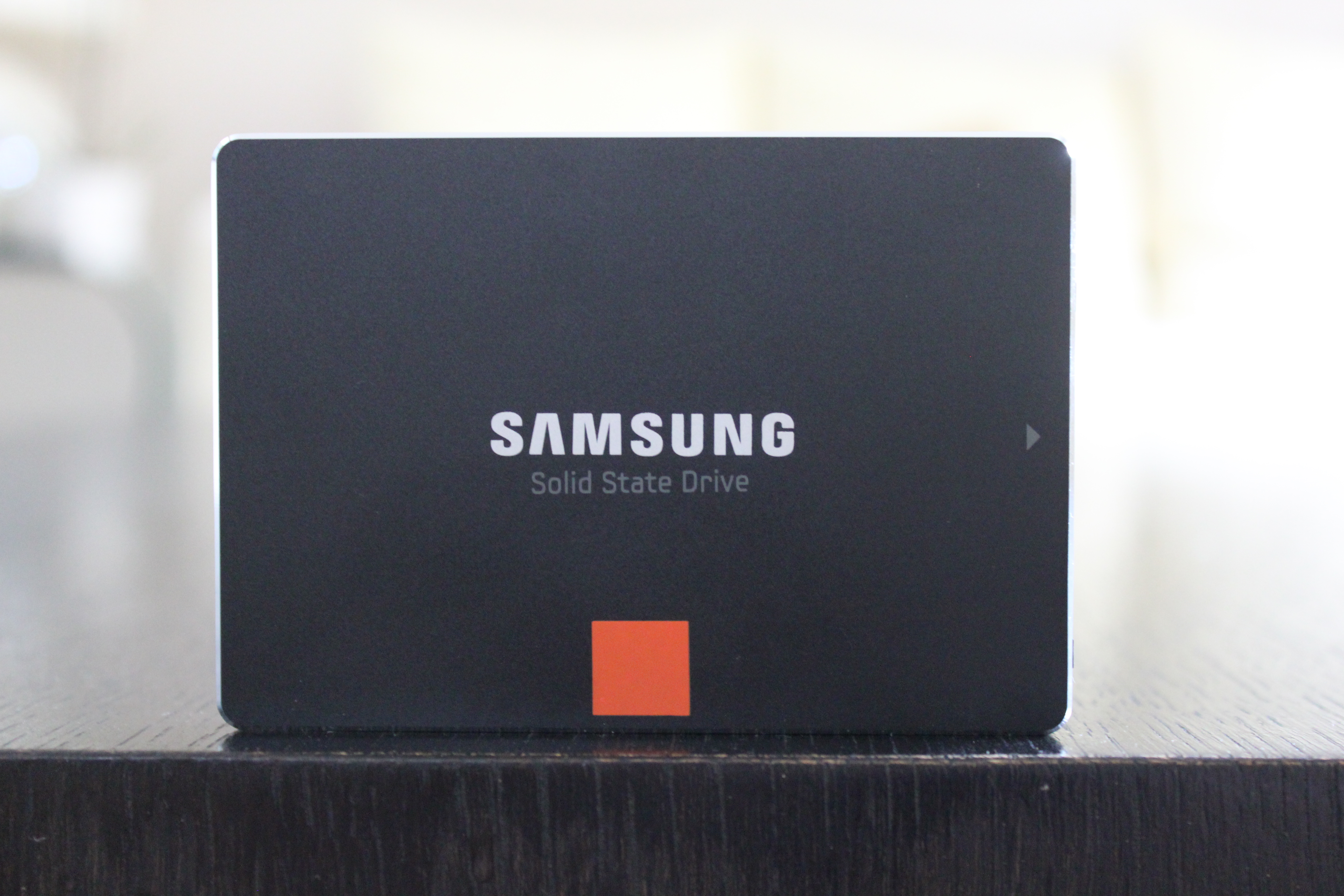
Samsung has been making steady progress in becoming one of the major players in the consumer SSD market. Even before the SSD 470, Samsung was a major player in the industry with their mostly OEM SSDs, but this took a dramatic change when the SSD 830 was released. Samsung never really marketed the SSD 470, even though it was a reasonable competitor back at its launch. The SSD 830 was Samsung’s first SSD that really received media and consumer attention, and for good reason: it was one of the best consumer SSDs on the market.
With the 840 and 840 Pro, Samsung took a big step forward in marketing. Instead of hosting a regular press release and providing reviewers with the drives, Samsung flew around 70 media representatives from all around the world to Seoul, South Korea for their Global SSD Summit. Samsung spent two days talking about their new drives, including several live demos and presentations on Samsung’s future plans. For the first time, Samsung also opened the doors of one their NAND manufacturing plants to media and we were allowed to meet with some of their engineers in person and ask questions about their NAND and SSDs.
We have already reviewed the 840 Pro, but Samsung did not sample the regular 840 until the Summit. I started testing the 840 right after I got back from Seoul and I was able to provide you with some preliminary benchmarks shortly after, but today we’re back with the full review.
When we finally got the specifications for the SSD 840, I understood why Samsung was reluctant to share too many details about the drive before its launch: the Samsung SSD 840 is the first consumer SSD to utilize 3-bit-per-cell MLC NAND (aka TLC). Before we delve into the actual SSD 840, let's take a closer look at how NAND works and how TLC compares to SLC and MLC.


 Facebook
 Twitter
 RSS
RSS


86 Comments
View All Comments
iCrunch - Tuesday, October 9, 2012 - link
Thanks for another tremendous AnandTech review! You guys are insane! ;-)I own a 256GB Samsung 830 as part of my Retina MBP and I must say, I'm blown away! My first SSD was an Intel X25-M G1 80GB and through the years, I've had the fortune to own several solid state drives, including the OWC Mercury Extreme Pro 6Gbps, a couple of Intel 520's in RAID 0, the Samsung 470 as well as pre-470 Samsung OEM models. Thanks to this review, I'll be going for the 840 Pro as soon as soon as I can justify getting another desktop or laptop. Decision made!
I'm used to high SSD pricing, so if the 840 Pro 256GB will be going for $250 or less, count me in. If the downward trend of SSD prices really does continue, or, even better, if a breakthrough drive like the 840 series with its less expensive TLC NAND appears to be, I'd love to start getting 512GB drives. Black Friday, here we come...
chrcoluk - Tuesday, October 16, 2012 - link
I have a 830 and am happy with it but it does have a weakness on high threaded i/o and random writes, it seems they have address this on the 840 pro which seems a bug fixed 830. However I have noticed the huge price premium on the 840 pro. Seems samsung have finally realised they can sell based on their reputation as they are in the same league as intel for reliability above the likes of OCZ who are trash. This day was inevitable. The basic 840 is to cater for the lower price market to try and keep hold of customers who wont pay more and time will tell if it works out. My observation so far is the basic 840 still costs more than the 830s, for me thats a no go, whilst it does have the newer controller which gives higher random writes, the random writes arent slow enough on my 830 for it to be an issue, its not noticeable. So for me its about reliability and the 830 I expect with its superior nand to be be the better product yet is still cheaper. If I won the lottery I would buy some 840 pros, but otherwise its 830s for me.As for write wear, my browsers alone are writing 10s of gigs of data a day, I moved my browser temp data folders to a ramdisk. Everytime someone views a youtube video eg. it writes to the browser cache even tho its a stream. Same if you download files, they written to the temp folder before the download folder. I feel anandtech solely focusing on performance are not been responsible they need to warn people of the risks of using TLC.
TheExpertGuru - Thursday, October 18, 2012 - link
This SSD looks great, although it does not appear to be widely available. I just got the Samsung 830 SSD to replace my hard disk drive and it is wonderful so far - boot speed is terrific! See my initial experiences with the SSD at www.Samsung830.com.infoilrator - Friday, October 19, 2012 - link
As a looker on (just going to install a couple Kingston HyperX 3K 128s) my understanding is that the way SSDs work performance and speed increase with size, as does complexity.Essentially the magic costs a little more but is worth it.
I will be experiencing the result as I have 2 HyperX 3k 128s to Raid0. Probably
Amazon one day deal.
As a penny pincher I won't be the first to purchase any 840s. OTOH SSDs seem to become habit forming.
dgigibao - Monday, October 22, 2012 - link
Several times you recommend the Samsung 830 for Mac OSX users for the same kind of controller whitch Apple in puts in their factory SSD. Whould would recommend 840 for Mac OSX users to?whiggabo - Sunday, October 28, 2012 - link
I really miss the answer, whether to choose the 830 or the 840 non Pro. As I'm in the position, where both are possible at the same pricing-level (for me), it's hard to take an decision, which one I should build into my Laptop/Desktop. As there are an 128GB 830 and an 60GB Vertex 2 working, the Vertex would be retired to use it for my future HTPC, so that the new 830 or 840 would replace it.I really could use some Help. ;) The 840 Pro clearly would be an easy decision, but as it's not available in Germany now and the price gab is huge, it's no option.
Blazorthon - Monday, October 29, 2012 - link
I'd first recommend whichever is cheaper for you and if they're at the same price, then the 840.araczynski - Monday, October 29, 2012 - link
still no clear winner in anything it seems. hate paying for tradeoffs.maybe this would all make much more sense if the graphs were shown with a standard 1TB 7200rpm hard drive thrown into the mix. most desktops/laptops from the pc world still ship with those as the standard (or a 7200rpm variant).
a 50% performance difference between SSD 1 and SSD 2 could become inconsequential when compared to the relative performance of said 1TB 7200rpm platter drive.
a lot of these SSD benchmarks do nothing more than perpetuate the manufacturer's intent to focus on raw individualized numbers, rather than real world meaning, whether consequential or not.
if nothing else, throw a 1TB 7200 rpm into the light/heavy suite only. then things would become crystal clear (i think).
Nilth - Sunday, November 4, 2012 - link
Great review, as always.There's one thing I'd like to know: is the DSP present in the other samsung drives?
I mean the 830 and the 840 pro.
SSDFDE - Wednesday, November 14, 2012 - link
Thanks for all the useful information on that drive.Hardware Encryption (full disk, FDE) is an important feature for me. I have been working with external Buffalo USB HDDs supporting hardware encryption. As expected there is a software that lets you define a password for the drive as well as unlocks the drive with the before given password.
So I bought a SDD supporting Hardware Encryption (also full disk, FDE):
- The 840 Basic (256 GB). To my big surprise no password has to be entered anywhere.
- Also the supplied software (Magician) does not mention encryption or password at all.
- Nor is the a pre-boot environment (maybe a small Linux core system before system boot) that asks me for a before set password when booting from the drive.
- Is there any official documentation from Samsung that explains the FDE with this drive in more detail that the / a key is in the hardware of the drive? Actually if it is on the hardware pre-set it will be available on every computer I use the drive with so where is the security gain after all?
- Also I read that you can reset the pre-installed on-chip set by the hardware vendor to gain full security no one can access the drive e.g. if a used keys file leaks from samsung or the asian sub-contractors if existent. Is this possible on this Samsung drive?
- Also I read you can set the SSD password via a BIOS setting. These option were actually used to set an IDE password using a SMART feature (which was not a really secure method after all). So is there a chance to check if the SSD is just encrypted using the BIOS password as IDE SMART password ot if the SSD really is Samsung AES hardware encrypted.
- Also when I have to tell the password to the BIOS, is it safe to enter it here? I am not familiar with the BIOS HDD password functions, so maybe someone can clarify and add some light in here?
All in all I more feel distorted and puzzled by the hardware full disk encryption of the Samsung SSD drive and do not feel safe and secure at all. I think of returning the drive as security has to be intelligibly secure and not a totally black box.
In case this drive does not support my subjective security requirements can anyone advise on a hardware-encrypted SSD drive not too costly that has a clear documentation and key entering and keeping concept?
Thanks a lot for any hint on this.
I really feel very left alone by Samsung Hardware, Software and Documentation here.
Cheers,
Jan