



The Intel Ivy Bridge (Core i7 3770K) Review
by Anand Lal Shimpi & Ryan Smith on April 23, 2012 12:03 PM EST- Posted in
- CPUs
- Intel
- Ivy Bridge
The 7 Series Chipset & USB 3.0
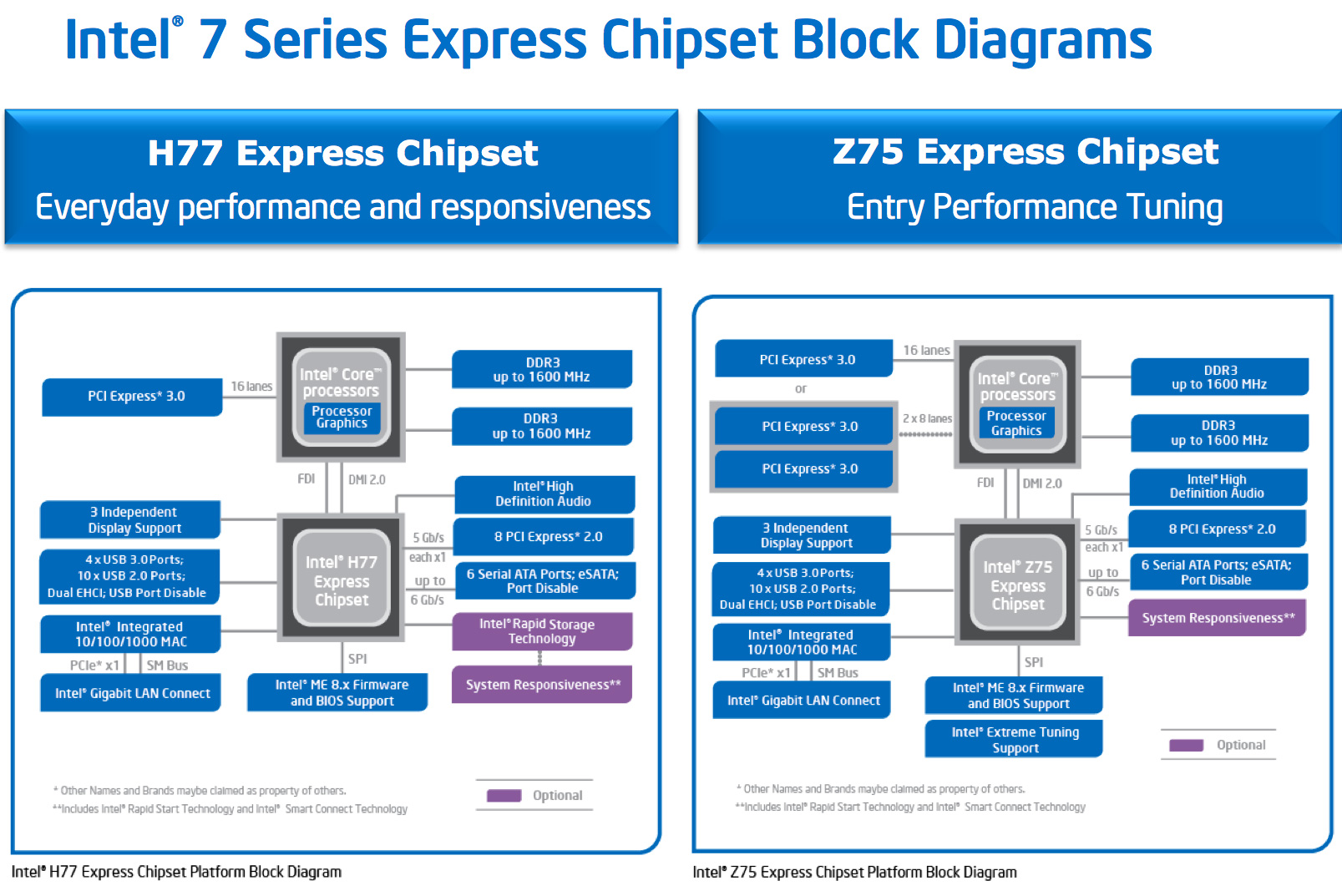
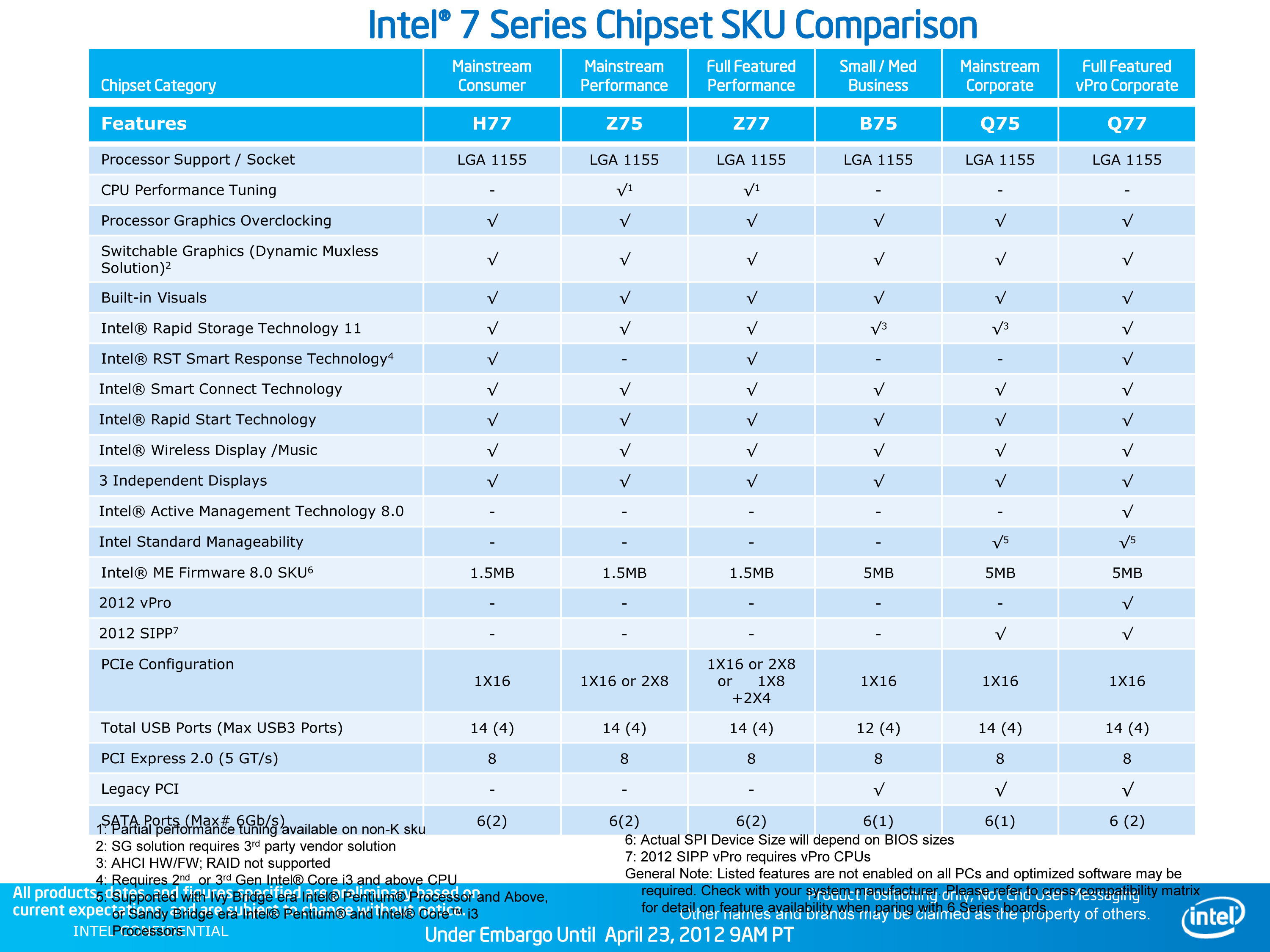
The platform story around Ivy Bridge is far better than it was when Sandy Bridge launched. There are a ton of chipsets, but the delineation makes sense this time. All chipsets support Ivy's processor graphics, however only the Z75/Z77 support CPU overclocking. The good news for current 6-series/Sandy Bridge owners is, with BIOS support, your platforms can support Ivy Bridge as well—making for a better upgrade path down the road.
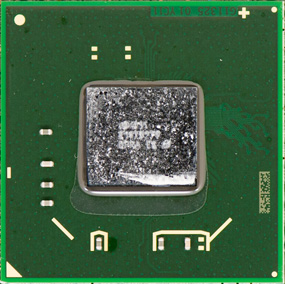 Intel Z77 PCH |
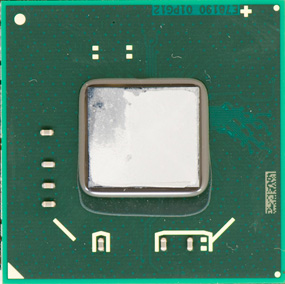 Intel Z68 PCH |
The new 7-series platform features PCIe 3.0 support, but only when used with an Ivy Bridge CPU, and only on the lanes that branch off of the CPU itself—the PCH lanes are still PCIe 2.0. Ivy's processor graphics, when combined with a 7-series chipset, also enables support for three independent displays (up from 2 with Sandy Bridge/6-series). Other than those two items, the only remaining feature is USB 3.0 support. Intel's 7-series PCH finally has native support for up to 4 USB 3.0 ports.
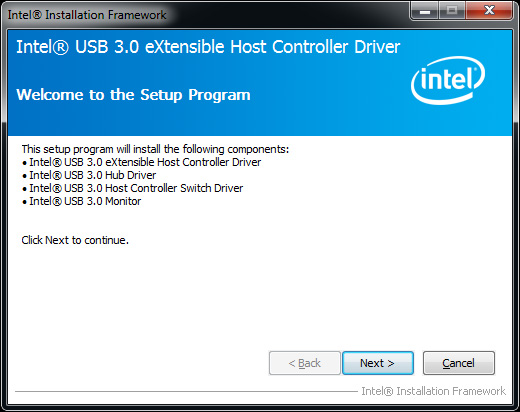
Performance of Intel's USB 3.0 controller is very good as you'll see in our upcoming Ivy Bridge motherboard roundup.
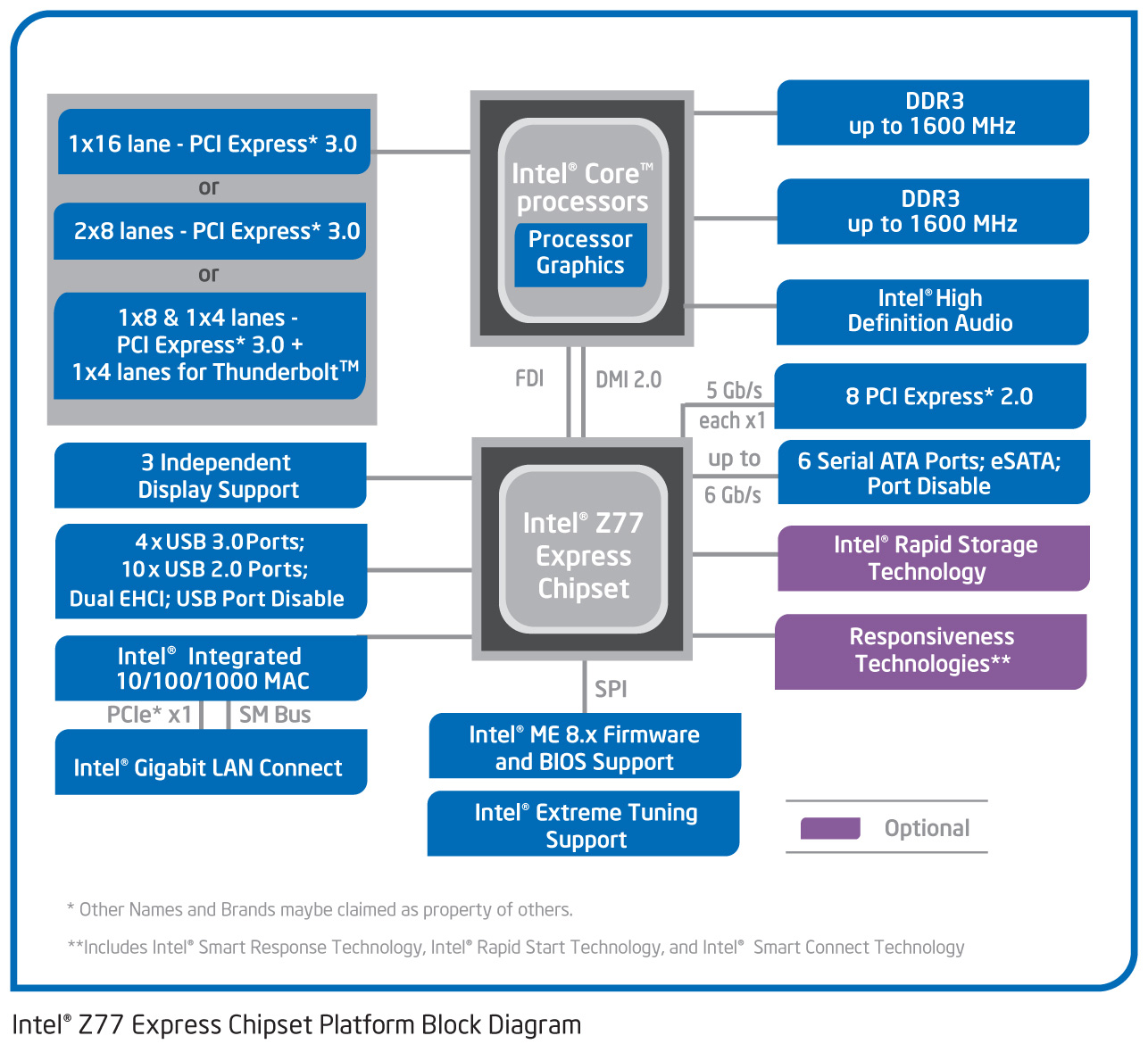
Intel's 7-series chipset does support Thunderbolt when paired with an external Cactus Ridge Thunderbolt controller, however the Thunderbolt for PCs launch has been pushed back to late May so we'll have to wait a bit before diving into that.
While most enthusiasts will focus on Z77, you can give up SSD caching, some flexibility on the PCIe side (and Thunderbolt support) and go for Intel's Z75 chipset. The chipset itself isn't much cheaper, but boards built around it will likely target lower price points and be lighter on features.


 Facebook
 Twitter
 RSS
RSS


173 Comments
View All Comments
Albi - Sunday, August 12, 2012 - link
Does this mean, according to the benchmarks, i can better buy a I7 3770 then a I7 3820 for video editing? Or is the I7 3820 faster with video editing (AVCHD).13sins - Wednesday, January 29, 2014 - link
if compare between AMD and INTEL which one is better?for excellence in the performance of which one is faster?
and certainly more energy-efficient
<a href="http://marotravel.com/green-canyon-murah/">... Green Canyon</a>
herni - Monday, March 10, 2014 - link
Its their 4th gen that can't even beat AMDs first gen yes dan Intel-developed technology http://www.tidungisland.asia/