



The Intel Ivy Bridge (Core i7 3770K) Review
by Anand Lal Shimpi & Ryan Smith on April 23, 2012 12:03 PM EST- Posted in
- CPUs
- Intel
- Ivy Bridge
Final Words
Reviewing a tick in Intel's cadence is always difficult. After Conroe if we didn't see a 40% jump in a generation we were disappointed. And honestly, after Sandy Bridge I felt it would be quite similar. Luckily for Intel, Ivy Bridge is quite possibly the strongest tick it has ever put forth.
Ivy Bridge is unique in that it gives us the mild CPU bump but combines it with a very significant increase in GPU performance. The latter may not matter to many desktop users, but in the mobile space it's quite significant. Ultimately that's what gives Ivy Bridge it's appeal. If you're already on Intel's latest and greatest, you won't appreciate Ivy as an upgrade but you may appreciate for the role it plays in the industry—as the first 22nm CPU from Intel and as a bridge to Haswell. If you missed last year's upgrade, it'll be Ivy's performance and lower TDP that will win you over instead.
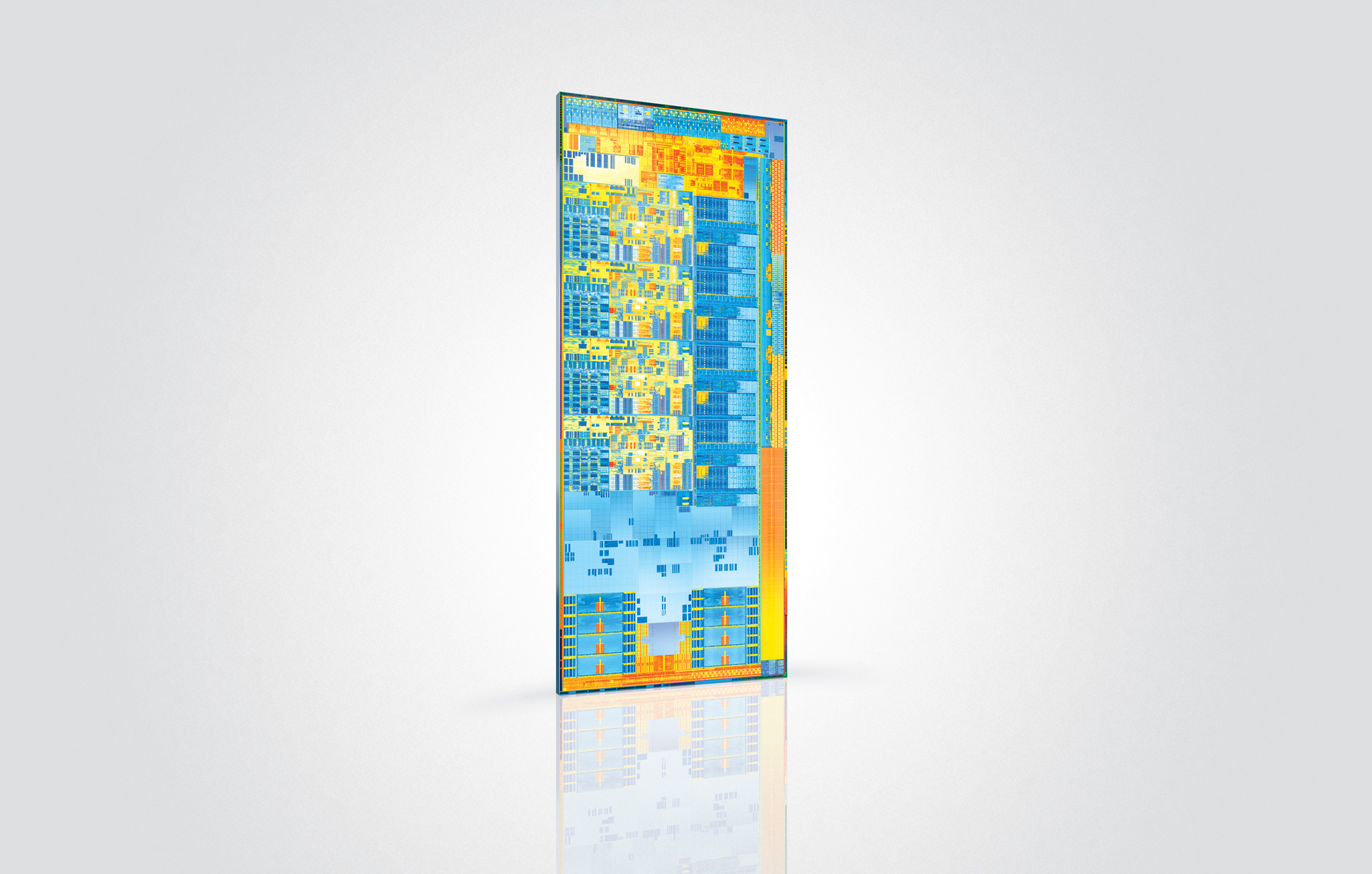
Intel has done its best to make this tick more interesting than most. Ivy Bridge is being used as the introduction vehicle to Intel's 22nm process. In turn you get a cooler running CPU than Sandy Bridge (on the order of 20—30W under load), but you do give up a couple hundred MHz on the overclocking side. While I had no issues getting my 3770K up to 4.6GHz on the stock cooler, Sandy Bridge will likely be the better overclocker for most.
With Ivy Bridge and its 7-series chipset we finally get USB 3.0 support. In another month or so we'll also get Thunderbolt support (although you'll have to hold off on buying a 7-series motherboard until then if you want it). This platform is turning out to be everything Sandy Bridge should have been.
Ivy's GPU performance is, once again, a step in the right direction. While Sandy Bridge could play modern games at the absolute lowest quality settings, at low resolutions, Ivy lets us play at medium quality settings in most games. You're still going to be limited to 1366 x 768 in many situations, but things will look significantly better.
The sub-$80 GPU market continues to be in danger as we're finally able to get not-horrible graphics with nearly every Intel CPU sold. Intel still has a long way to go however. The GPUs we're comparing to are lackluster at best. While it's admirable that Intel has pulled itself out of the graphics rut that it was stuck in for the past decade, more progress is needed. Ivy's die size alone tells us that Intel could have given us more this generation, and I'm disappointed that we didn't get it. At some point Intel is going to have to be more aggressive with spending silicon real estate if it really wants to be taken seriously as a GPU company.
Similarly disappointing for everyone who isn't Intel, it's been more than a year after Sandy Bridge's launch and none of the GPU vendors have been able to put forth a better solution than Quick Sync. If you're constantly transcoding movies to get them onto your smartphone or tablet, you need Ivy Bridge. In less than 7 minutes, and with no impact to CPU usage, I was able to transcode a complete 130 minute 1080p video to an iPad friendly format—that's over 15x real time.
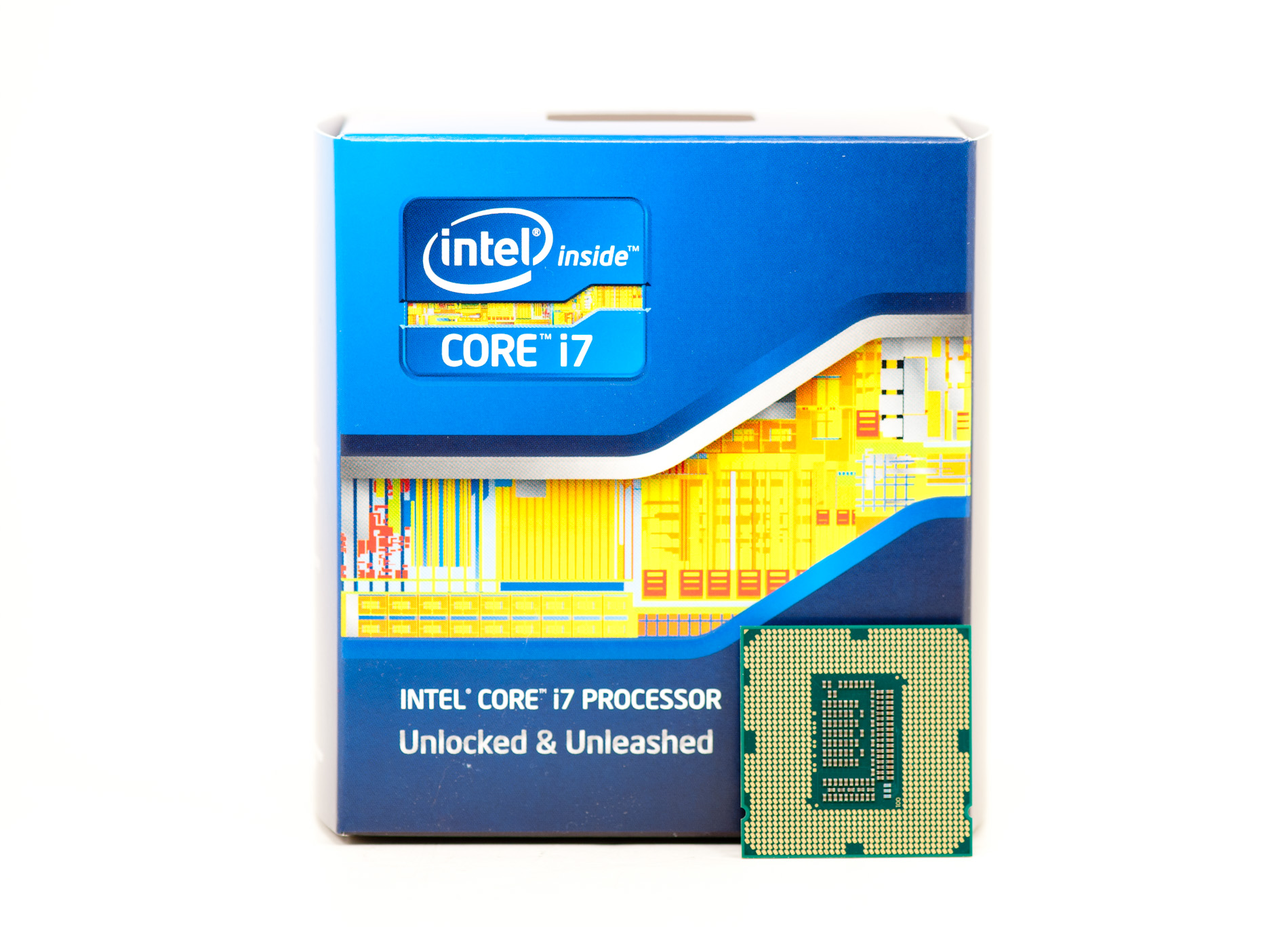
While it's not enough to tempt existing Sandy Bridge owners, if you missed the upgrade last year then Ivy Bridge is solid ground to walk on. It's still the best performing client x86 architecture on the planet and a little to a lot better than its predecessor depending on how much you use the on-die GPU.
Additional Reading
Intel's Ivy Bridge Architecture Exposed
Mobile Ivy Bridge Review
Undervolting & Overclocking on Ivy Bridge
Intel's Ivy Bridge: An HTPC Perspective


 Facebook
 Twitter
 RSS
RSS


173 Comments
View All Comments
Albi - Sunday, August 12, 2012 - link
Does this mean, according to the benchmarks, i can better buy a I7 3770 then a I7 3820 for video editing? Or is the I7 3820 faster with video editing (AVCHD).13sins - Wednesday, January 29, 2014 - link
if compare between AMD and INTEL which one is better?for excellence in the performance of which one is faster?
and certainly more energy-efficient
<a href="http://marotravel.com/green-canyon-murah/">... Green Canyon</a>
herni - Monday, March 10, 2014 - link
Its their 4th gen that can't even beat AMDs first gen yes dan Intel-developed technology http://www.tidungisland.asia/