



Acer Iconia A500 - Honeycomb on a Budget
by Vivek Gowri & Jarred Walton on June 24, 2011 4:00 AM ESTParting Thoughts
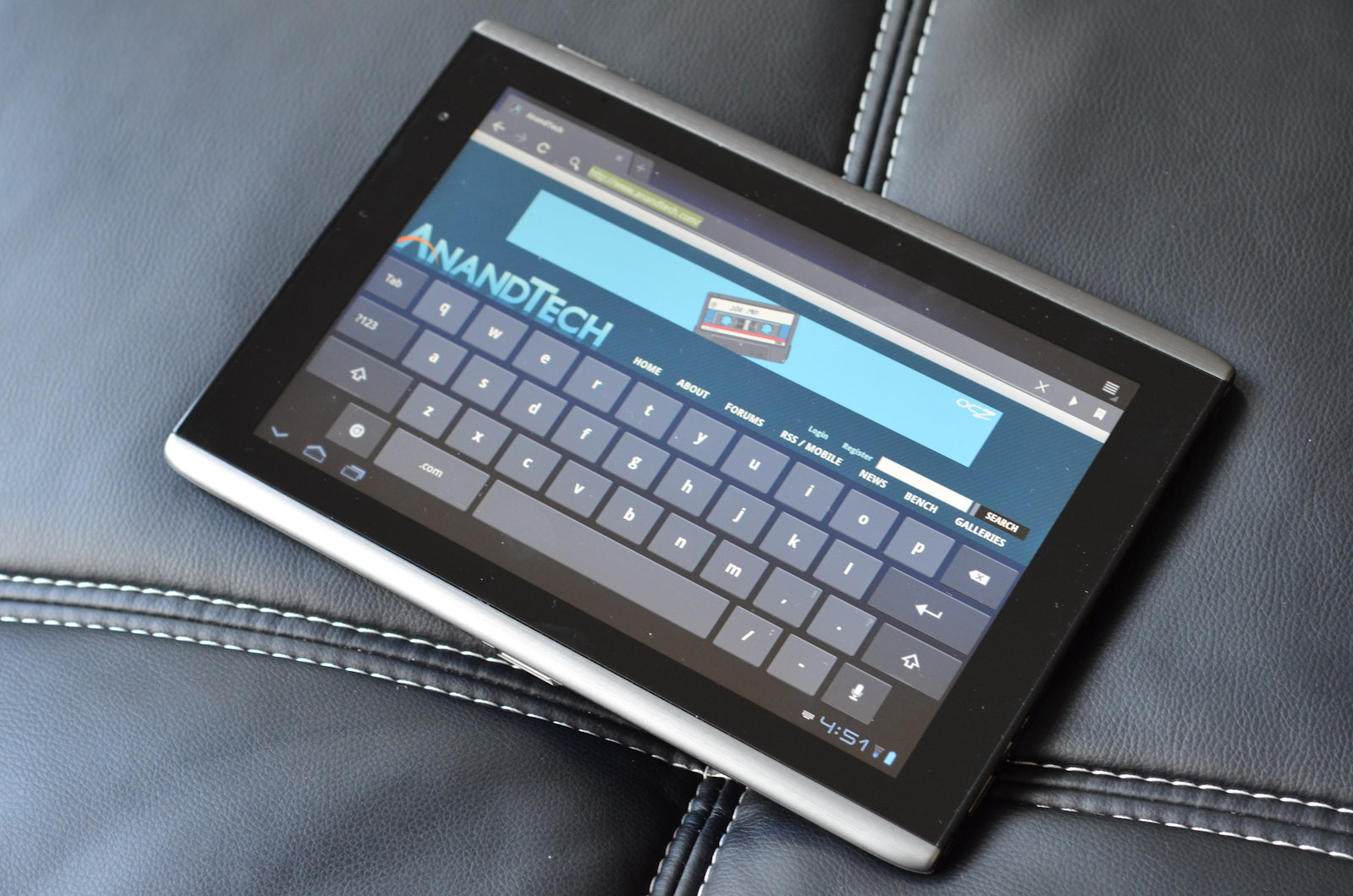
I’ll just say this off the bat - I’m not very enthused by the Iconia A500. The design is a bit dated, and there are a lot of minor quality niggles. The panel gaps between the metal and the glass are a bit ridiculous, and there’s a lot of chassis flex for a device mostly made of metal. The display was pretty good, and features like the included HDMI port and full-size USB port were nice. But at the end of the day, I felt a lot better about the device hardware when I saw the Iconia in press release pictures than when I had one in my hands, and that’s never a good thing to say.
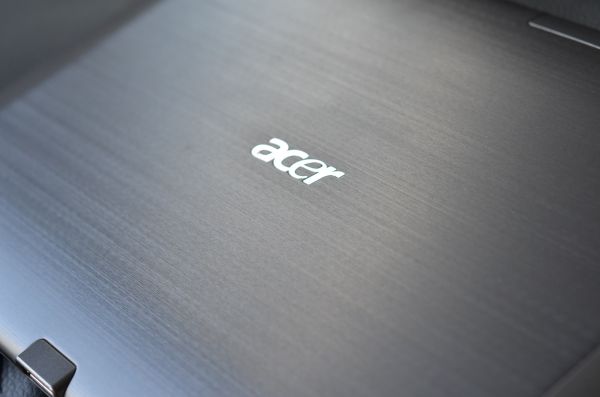
It’s not a bad device, but it goes a bit like this: if you had never seen another Android tablet, the A500 looks pretty decent. But put next to the Xoom, Transformer, and especially the Galaxy Tab 10.1, the Iconia looks cheaply designed and even more cheaply made. Which is fine, actually - I feel that way about most Acer laptops, but the problem here then becomes price. At $379, it’s fantastic. $399 is a very fair price for it. At $449, it’s a less enthusing proposition.
$50 more gets you a Galaxy Tab 10.1, a smaller and much thinner device that has significantly better hardware design, gets better battery life, and has a similarly good screen. The Samsung is probably the only tablet that on a design level can match up to the iPad 2, so in my mind it’s worth the extra $50 for the hardware alone.
And on the lower end, there’s the $399 Eee Transformer. The Transformer is solid, you get the same specs and better battery life, along with an IPS display for less money. You lose the aluminum chassis, but the plastic-bodied ASUS still feels more solid than the Iconia. In addition, you get the option of the laptop-style keyboard dock, which adds some versatility to the platform.
MacMall’s $379 sale for the Iconia was a great price, and I think if Acer were to cut $50 off the Iconia’s MSRP, it’d be very competitive. Granted, I still like the ASUS better, but the Acer is much more compelling at that price than at the current $449 MSRP.
But what the MacMall sale says to me is that there is still some price cutting that needs to happen with Android tablets in general. Anything above $499 simply won’t sell well, as Motorola saw with the Xoom, but I don’t think Android tablets can go head to head on price with the iPad and win. Not yet, at least, simply because the ecosystem isn’t there yet. I’m not asking for 100,000 apps, but more than 200 would be a start. I think if Google can get some developers to port apps over to Honeycomb, get some resolution-scaled apps to adjust to WVGA, qHD, WSVGA (all of the 7” Honeycomb tablets will be 1024x600), and WXGA, and really build up a decent ecosystem going into Ice Cream Sandwich later this year, they’ll be doing well.
Google was in a similar situation with Android phones two years ago and turned it around completely, so I don’t doubt that they can do it, but still, for right now, the apps aren’t there. And honestly, given the new stuff around the corner - ICS/Android 4.0, Kal-El and other quad-core SoCs, etc. - there’s no reason to not wait. If you need something right this minute, I’d grab a Transformer - with the lower price and flexibility of the laptop dock, it just makes more sense. Otherwise, I’d wait, because the ICS/Kal-El combo is going to make for some pretty impressive tablets.


 Facebook
 Twitter
 RSS
RSS


45 Comments
View All Comments
VivekGowri - Friday, June 24, 2011 - link
Fair point, I'll stop saying that.TrackSmart - Monday, June 27, 2011 - link
I was walking by Staples today and saw lots of banners advertising tablets Motorola Xoom, Blackberry Playbook, and Acer Iconia 500 among them). I couldn't help but stop in for a hands-on test. At first glance, the Iconia looked nice, but in the hand the Xoom sitting right next to it felt like a much more premium device. The Iconia was priced at $450. The Xoom at $600. So I guess that's what 1/3 higher price buys you. The Iconia was less sleek and had flex to it that nearby Xoom didn't show any signs of.My main impression is that these 10" tablets are much larger than I'd like them to be. The 7" playbook felt like a better size. If they could have kept the 7" screen size on the Playbook, but shrunk the huge bezel by 75%, it would have been portable enough for day-to-day usage as an internet portal and as an ereader. And if they then dropped the price down to about $300 (netbook prices), I might even be tempted to buy one.
For now, they hold limited appeal (for me personally) due to large size and high prices relative to what you get in terms of performance and functionality. Maybe the next generation will get there.
TrackSmart - Monday, June 27, 2011 - link
Looking at my post, I can see why the Nook Color is doing so well. It's priced right and still feels like a fairly premium device despite that low price.MrMilli - Friday, June 24, 2011 - link
quote: "The GeForce ULP used in Tegra 2 packs the same number of shaders (eight) as the old GeForce 8100, but they’re running at 300MHz (compared to 1200MHz on the 8100); that means it has about 25% of the horsepower of the old 8100 IGP, ..."Let's not forget that the Geforce ULP is a Geforce 6000 generation GPU. That means 4 pixel and 4 vertex shaders. I would say that it doesn't even have 15% of the horsepower of the old 8100 IGP.
radium69 - Friday, June 24, 2011 - link
QUOTE:"What I really need for tablets to be useful is a killer app. I don’t carry around a clipboard ever, so they can’t fill that role. If I need to type an email or do any real work, a keyboard is generally a requirement. For everything that a tablet can do, a decent smartphone is similar and it can fit in your pocket. So on the one hand, I love having a larger 1280x800 display that I can actually use to browse the web, but on the other hand I just can fit something like that into my current lifestyle. The most use I got out of the A500, outside of testing, was on Sundays when I took it to church. I was able to replace several bulky items (scriptures and lesson manual) with a single device that easily fits in a briefcase, and it was easier to use than a notebook. I could still do the same thing on a smartphone or iPod Touch, but reading books/manuals on the iPod isn’t very easy on the old eyes. I would assume that students could benefit from a tablet in a similar manner, provided they can get all of their books and other materials in digital format. Carrying a <2 lbs. tablet around campus in place of three heavy textbooks sounds like a great idea, but I’m not sure about note taking and I always had a soft spot for scribbling in the margins—plus I know a lot of engineering courses have open book exams, and I doubt they’d allow a tablet to qualify as a “book”."
This is what I think it's saying:
A tablet doesn't excel in anything except portability. It might be usefull for students but not more.
I think, you have covered it all. A tablet is just a "Tablet" might be fun for gimmicky sales and might bring laptop prices down. But they never can compare to a netbook or a decent notebook. And with the grow of smartphones all around I think we are looking at better battery life in our phones. So basically, all ground is covered with a net/notebook or phone.
It all adds up to the equation...
Productivity on a tablet is close to 0% anyway.
I hope they be gone soon and focus more on phone progress and laptop progress.
FrederickL - Friday, June 24, 2011 - link
Yes, to a considerable extent they still are. However the author has mentioned the upcoming developments in hardware and I believe that the signs are that those developments are accelerating. In a year to eighteen months we are likely to be seeing a whole new generation of *much* more powerful tablets (both 7 and 10 inch form-factor) with much longer battery-life. If the rumours are to be believed we may even begin to see Win8 devices as early as Q4 2012. Combine that with a charging/extra ports docking station and a full song with choruses fully functional os that functions the same as on any work-station or laptop (*if* MS actually succeed in implementing what they say they are aiming for) then, and IMHO only then, we will have devices that will have a similar effect on the laptop market that the laptop has had on the stationary pc market. I imagine a 7 inch form-factor with a docking station in my tv-bench. When I put it in the dock it boots the conventional GUI to the TV and I can interact with it by means of mouse/keyboard from the comfort of my armchair. When I take it from the dock it switches automatically to the touch UI and I slip it into the inside pocket of my jacket knowing that I have something to read on the bus. At work it goes into a second dock etc. If I am travelling I take a small media keyboard with my tab if I know that I have a lot of writing/data entry to do. Such a device would replace my living room pc, my laptop and my Kindle. Now *that* would be a productive device!
oliwek - Monday, July 4, 2011 - link
"And with the grow of smartphones all around I think we are looking at better battery life in our phones"really? come on, android phones with heavy use do not last a full day without charging. ASUS Transformer tablet with dock on the contrary stays ON for 16 hours (9 hours for the tablet alone).
darkhawk1980 - Friday, June 24, 2011 - link
I came to most of the same conclusions myself, before I bought my Asus Transformer.The Iconia, while it has a few nice features (ie screen is one of the better LCD's, built in USB and microSD), it's not enough to make it a worthwhile buy while a tablet like the Transformer exists. At $350, it's a great buy. At $400, it's maybe worth it if you like the included USB. At $450, it's over priced and not worth it at all.
Lastly, concerning the 'usefulness' of tablets, it really depends. I don't want to lug around even a 2 lb netbook to work and back (I carpool about 35 to 40 minutes 1 way to work), and my company doesn't allow personal computers in the building (tablets are not defined as computers where I work, as stupid as it sounds). That being said, a tablet works very well for me. I also get ALOT more use of it at home now while watching TV, and even taking photos and videos of my son with it. It is bulky and clunky for photos/videos, but I make do and I enjoy it very much. While productivity isn't the main reason for my purchase, I can see where this would have it's uses. I think the biggest problem is the lack of a good annotating application (similar to Iannotate for iOS) on Android. If one did exist, it would really benefit Android as a whole in the schooling market.
haplo602 - Friday, June 24, 2011 - link
I think Jarred nailed it :-) The tablet is a portable document reader, nothing more. Basicaly I can find a single use for it. When I travel and don't want to carry a laptop. These are usualy short and light trips. Use for web, email, ebook, movies and simple games.Paired with a stupid mobile (like my SE C510) for tethered connectivity.
Belard - Friday, June 24, 2011 - link
Same as before... man, you guys are sometimes too 'techie".Not a creation device, but a playback device. Yes, my iPad is weak compared to my dual-core ThinkPad or my QuadCore Desktop with a 24" screen. But try relaxing in bed or the sofa with a notebook or desktop computer. Be cozy with those devices... not going to happen.
How about boot up time? These tablets are instant on... vs. 1-2 minutes for a typical notebook or desktop. (I put my notebook in sleep mode half the time, restart time is still about 6~10 seconds).
Try reading an ebook from your notebook to you kid(s)... especially while the cuddle next to you.
Theres a reason we have desktops and notebooks... and a tablet is no different. Its designed to function for its form-factor. High-end gaming, I'm not really seeing it... gotta have REAL buttons and twisting-tilting your screen for a steering wheel sucks. Steer buttons on the side of the screen would be better. There is a REASON a $120~180 Nintendo DS or PSP make good game platforms, but not good e-readers or browsers.
Why do we have more than 2-3 times of glasses and cups? Why have a saucer when a plate will do? Anyone with a knife-block with 6~20 types of cutting tools?
- - - -
Productivity on a tablet can vary, depending on your needs. I've only bought my first notebook 3 years ago because I had a need for a portable computer, but for the most part - its first year was very light usage.
In about a 14 months, Apple has sold 25 million ipads (10 million iPad2 in 2 months)... they are not going anywhere.
Funny thou, in the movie 2001, the astronauts in Discovery are using a tablet that is as thin as the iPad2 (if not thinner) and about the same size. Not bad for a movie from 1968... then in the movie 2010, they used an AppleII as a notebook... that is HUGE. :)